
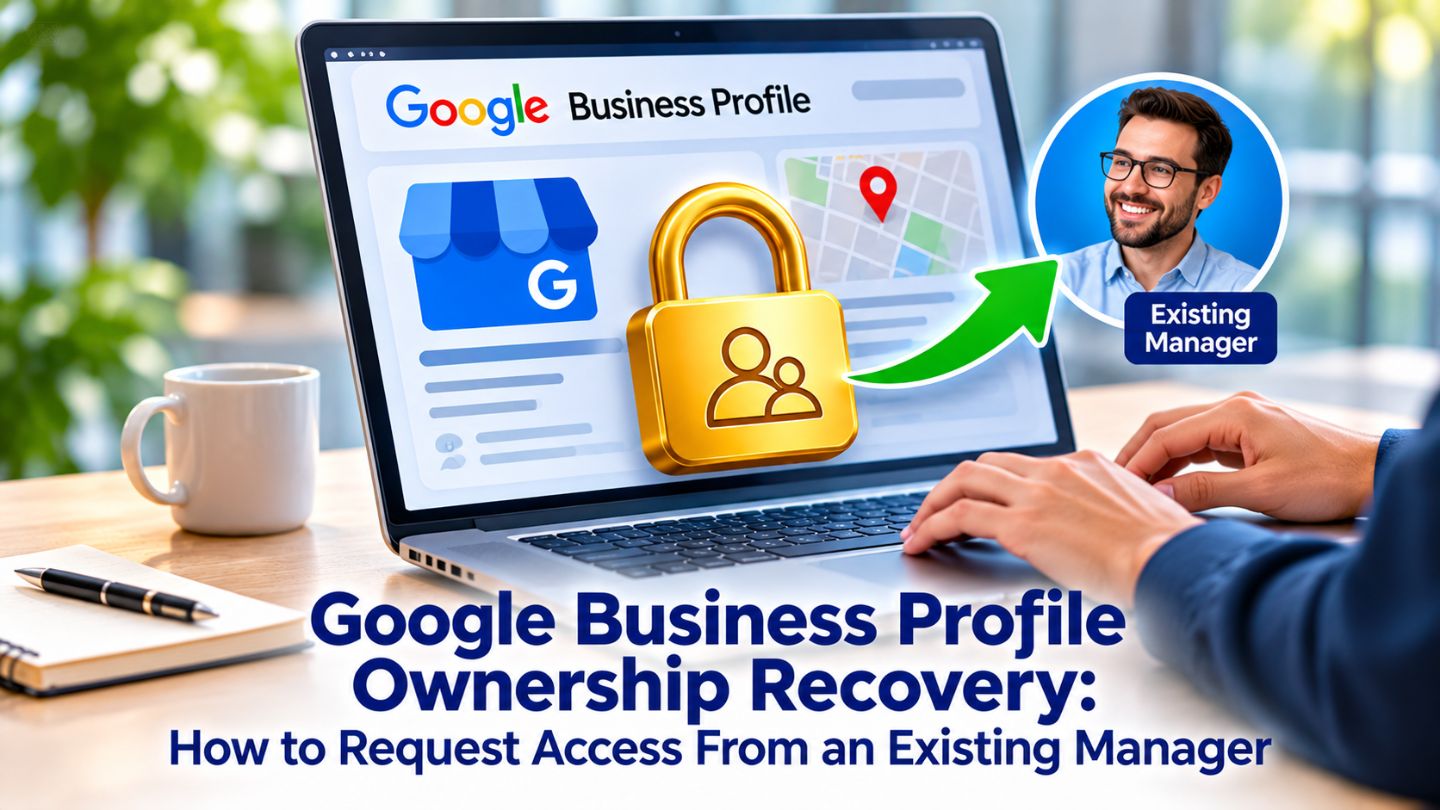
It happens more often than most owners expect. A former employee, a past marketing agency, or a previous owner set up the Google Business Profile, and now nobody at the business can get in. Without access, the business cannot update hours, respond to reviews, or fix errors customers see every day. Google offers a formal process for this situation. This blog outlines how to request ownership of a Google Business Profile from an existing manager, what happens after the request, and how to recover access when the current owner does not respond.
Key Takeaways
- Google's ownership request sends your request to the current profile owner.
- The current owner has 3 days to respond, according to Google's help guidance.
- Denied requests may be appealed, and unanswered ones may allow you to claim the profile.
- Service-area businesses request ownership through Google support.
- Securing ownership afterward prevents the same problem from recurring.
Why Businesses Lose Access to Their Profiles
Profile access usually disappears gradually rather than suddenly. An employee creates the profile with a personal email and later leaves the company. An agency manages the listing under its own account, and the relationship ends. A business changes hands, and the previous owner never transfers access. In each case, the profile still exists, but nobody currently at the business controls it.
The longer this goes unresolved, the bigger the risk. Outdated hours, old phone numbers, and unanswered reviews frustrate customers, while anyone with access could still make changes without the business knowing. Starting the recovery process as soon as the problem is noticed protects both the business's reputation and its local visibility.
Try the Simple Route First

Before using the formal process, try contacting the person who likely controls the profile. A former employee, agency, or previous owner may simply be able to add the business owner as a user and transfer primary ownership in a few minutes. This is often the fastest path, and it avoids waiting periods and potential verification steps.
When contacting them, explain the situation clearly and provide the email address that should become the new owner. Ideally, use a business email tied to the company domain rather than a personal account. If the previous manager cannot be reached or refuses to help, the formal ownership request process is the next step.
Read More: How to Transfer Facebook Page Ownership in Simple Steps
How to Submit an Ownership Request
Google's help article on how to request ownership of a Business Profile outlines the process for storefront and hybrid businesses. Go to business.google.com/add, enter the business name and address, and choose the business from the list. A message appears saying someone else may manage the profile, along with an option to request access.
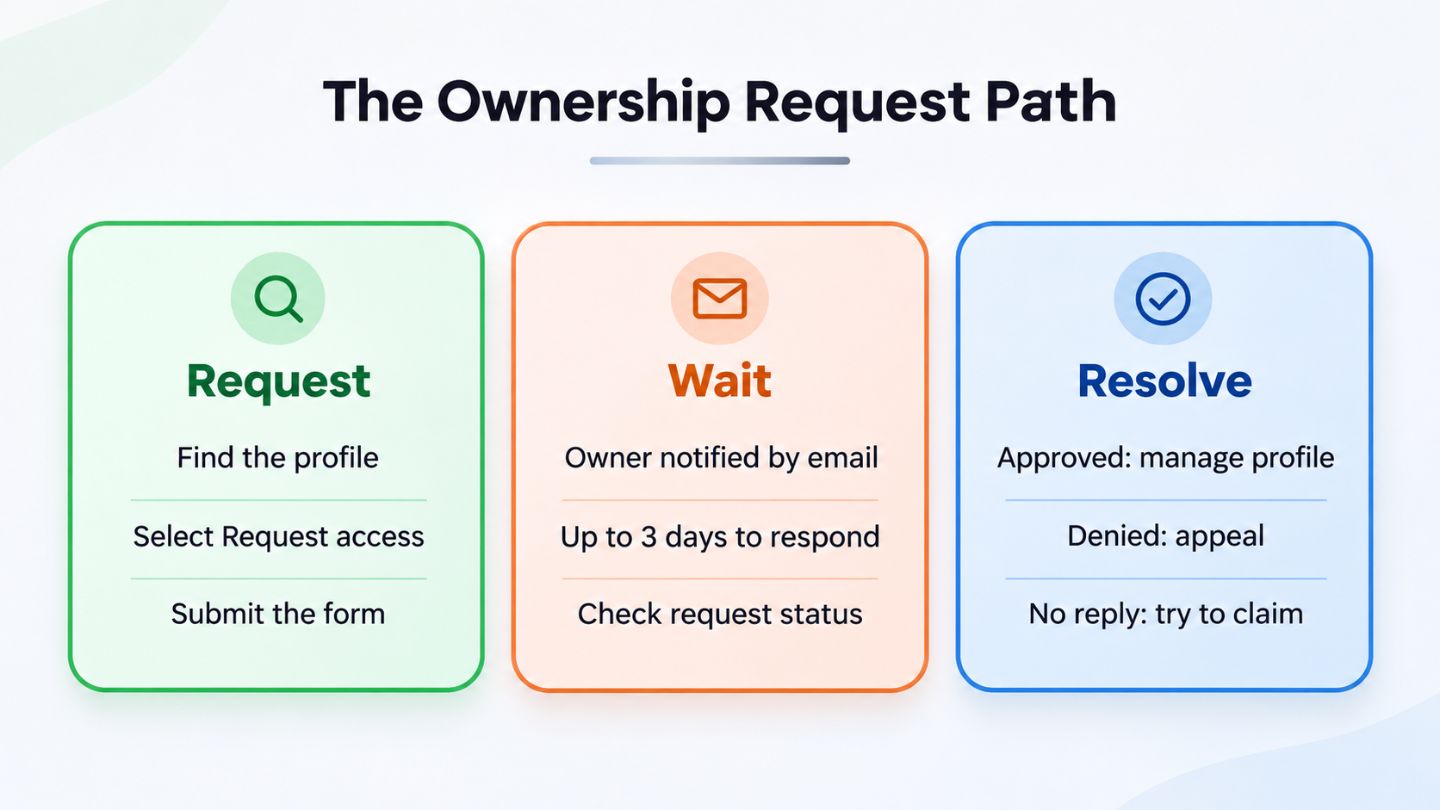
Select Request Access, complete the form with accurate details about your role and the access level you need, and submit it. You will receive a confirmation email, and the current profile owner is notified by email. Providing complete, honest information helps the request move forward smoothly and supports any later appeal if one becomes necessary.
An ownership request follows a set path, from submitting the form to approval, appeal, or claiming.
What Happens After You Request Ownership
If the Request Is Approved or Denied
According to Google's current guidance, the existing profile owner has 3 days to respond after being notified. The status of the request can be checked by signing in to Business Profile or by selecting the link in the confirmation email. If the request is approved, an approval email arrives, and the profile can be managed right away.
If There Is No Response
If the request is denied, a rejection email explains the outcome. The business can still suggest edits to the profile, and Google notes that it may be possible to appeal the decision. If no response arrives within 3 days, the confirmation email may offer an option to claim the profile by selecting View request and following the verification steps, although Google notes this option is not always available.
Special Steps for Service-Area Businesses
Service-area businesses that visit customers and do not have a physical shop or office follow a different route. Instead of the standard request flow, Google directs them to contact support, entering "Transfer ownership of listing" as the issue and selecting the same option when submitting the request. Support then reviews the situation directly.
Proof becomes especially important here. Branded vehicles, business licenses, tax documents, and a website on the business domain all help demonstrate a genuine connection to the business. Understanding the Google Business Profile verification methods ahead of time prepares owners for any video or document checks support may request.
When Recovery Gets Complicated
Some cases do not resolve neatly. A hostile former partner may deny every request, or a profile may have been claimed by someone with no legitimate connection to the business. In these situations, keep documentation organized, appeal where possible, and contact Business Profile support with clear evidence of ownership and a timeline of events.
Sometimes owners discover a second listing for the business during recovery, created by someone else or left over from an earlier setup. Knowing how to remove duplicate Google listings you don't own helps clean up these extra profiles, so customers see one accurate listing instead of competing versions.
Read More: Google Business Profile Reopening Guide: Steps to Restore an Eligible Business Listing
Avoiding Problems After Access Is Restored

Regaining access is a good moment to review everything on the profile. Check the business name, categories, address or service areas, hours, phone number, and website, and correct anything outdated. Making many changes at once can sometimes trigger review or verification, so update carefully and keep details consistent with the business's real-world information. Take particular care with location details, because Google Business Profile address changes can impact local rankings even when the correction itself is accurate.
Profile changes that conflict with guidelines can lead to restrictions, and the reasons a Google Business Profile might get suspended include issues like keyword-stuffed names or incorrect addresses. If a suspension does happen, the information on GBP reinstatement delays explains why recovery can take time and how to support the process.
Securing Ownership for the Future
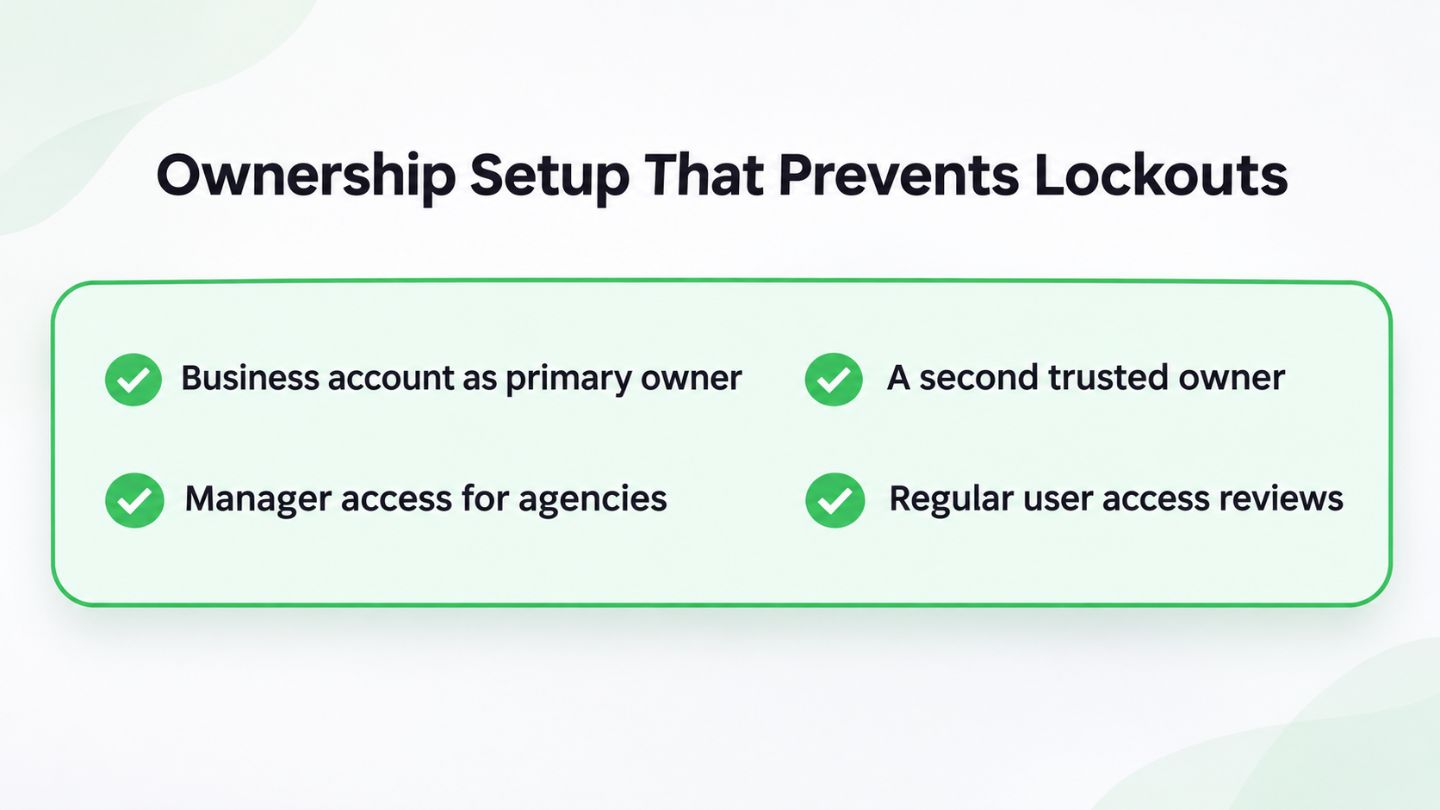
The best way to avoid another recovery process is to set up ownership properly. Make a business-controlled account the primary owner, add at least one other trusted person as an owner, and give agencies or staff manager access rather than primary ownership. This structure keeps control with the business even when people come and go.
Review user access regularly, especially after staff changes or the end of an agency relationship. Remove people who no longer need access, keep recovery details current, and protect owner accounts with strong security. A short annual review of users and permissions takes minutes and prevents weeks of frustration later.
A clear ownership structure keeps control with the business.
Dealing With Suspensions and Delays
Ownership changes and major edits sometimes trigger a profile review or suspension, especially if the profile had existing issues. When that happens, the reinstatement process can take time, and patience combined with accurate documentation is essential. Submitting repeated requests usually slows things down rather than speeding them up.
Understanding GBP reinstatement delays helps owners set realistic expectations and prepare the right evidence, such as business licenses, signage photos, and proof of address. Keeping profile details consistent with real-world information during this period gives the reinstatement request the best chance of success.
Taking Back Control of Your Profile

Losing access to a Google Business Profile is frustrating, but Google provides a clear path to recovery. Contacting the previous manager first, then submitting a formal ownership request, waiting for the response window, appealing or claiming when needed, and using support for service-area businesses gives owners the best chance of regaining control. Securing ownership afterward keeps the problem from returning.
At The Ocean Marketing, we help businesses recover, verify, and protect their Google profiles so they stay in control of how customers see them. Our Google Maps SEO team handles ownership issues, profile cleanup, and ongoing management, and a free SEO audit can reveal gaps in your local presence. Contact us if you need help regaining access to your profile.
Frequently Asked Questions
How long does the current owner have to respond to an ownership request?
Google's help guidance states that the current profile owner has 3 days to respond after being notified of the request.
What if the current owner denies my request?
You will receive a rejection email, but you can still suggest edits to the profile and may be able to appeal the decision.
How do service-area businesses request ownership?
Service-area businesses without a physical location should contact Google Business Profile support and select Transfer ownership of listing as the issue.