
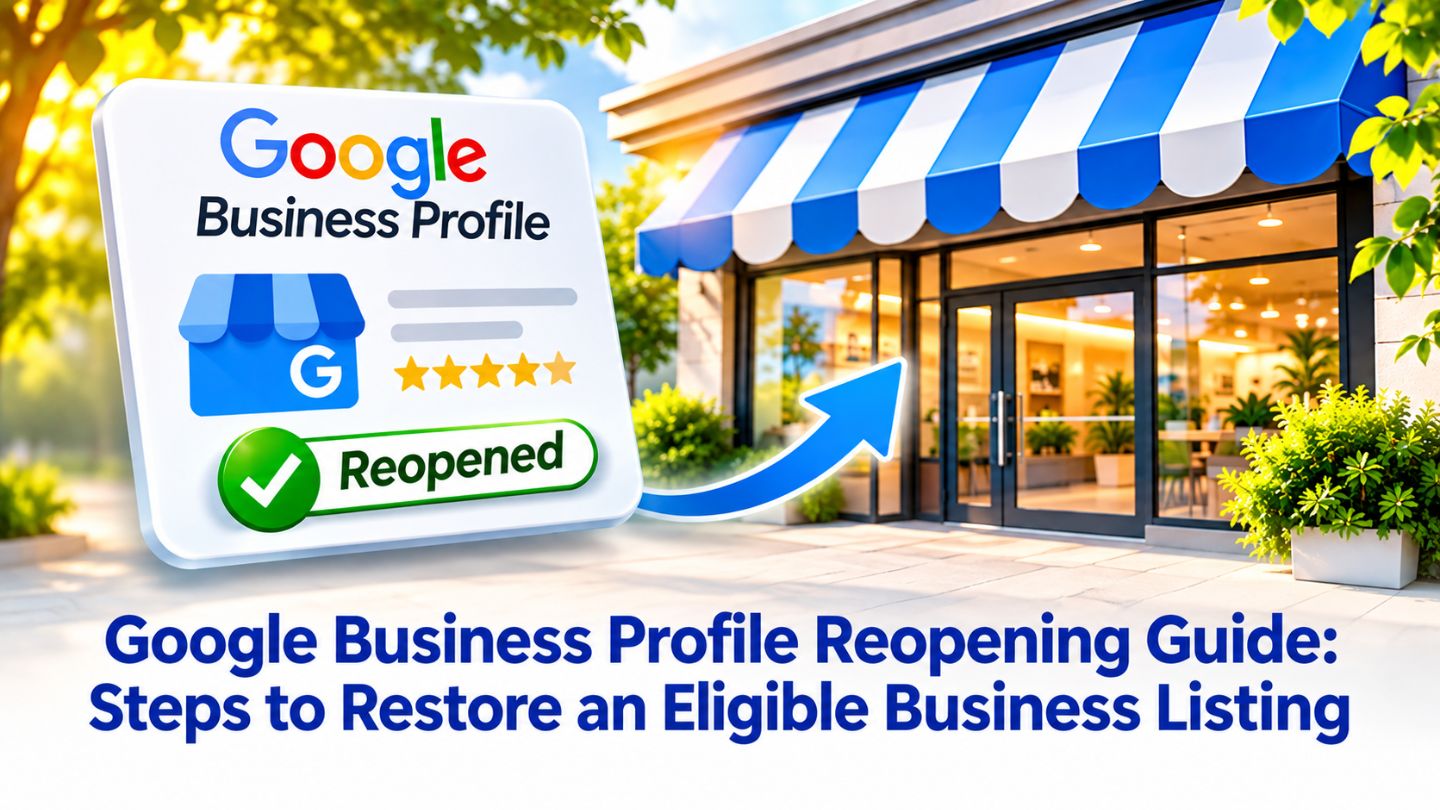
A closed label on a Google Business Profile can quietly cost a business customers. Whether the business paused for renovations, closed for the season, or was marked closed by mistake, people searching for it may assume it is gone for good. The fix is usually straightforward, but only when the listing is eligible to reopen. This blog outlines how to reopen a Google Business Profile marked temporarily or permanently closed, when a new profile is the better choice, and how to rebuild visibility once the listing is active again.
Key Takeaways
- Reopening removes the temporarily or permanently closed label from Search and Maps.
- The process takes a few minutes through the profile's hours settings.
- Businesses closed because of a move or name change should not reopen the old profile.
- Unexpected closed labels can come from user edits that need correcting.
- Fresh activity after reopening helps restore customer confidence and visibility.
Understanding the Different Closed Statuses
Google Business Profile offers two closure options, and each sends a different message. Temporarily closed signals a pause, such as renovations, an off-season, or an extended break, while permanently closed tells customers the business has stopped operating. Google's guidance suggests using temporarily closed for closures longer than seven days and special hours for shorter breaks like holidays.
The difference matters for visibility. A permanently closed profile may still appear when people search for the business by name, but it clearly shows the business is closed, which discourages visits and calls. Temporarily closed profiles are treated more gently, though Google notes they can rank after open businesses for broader searches. Choosing the right status from the start makes reopening simpler later.
Confirm the Listing Is Eligible to Reopen
Before reopening, make sure the original profile is still the right one. If the business simply paused and is returning at the same location under the same name, reopening is straightforward. If the closure happened because the business moved or changed its name, Google's guidance is clear that the old profile should not be reopened. A new profile should be created and verified instead.
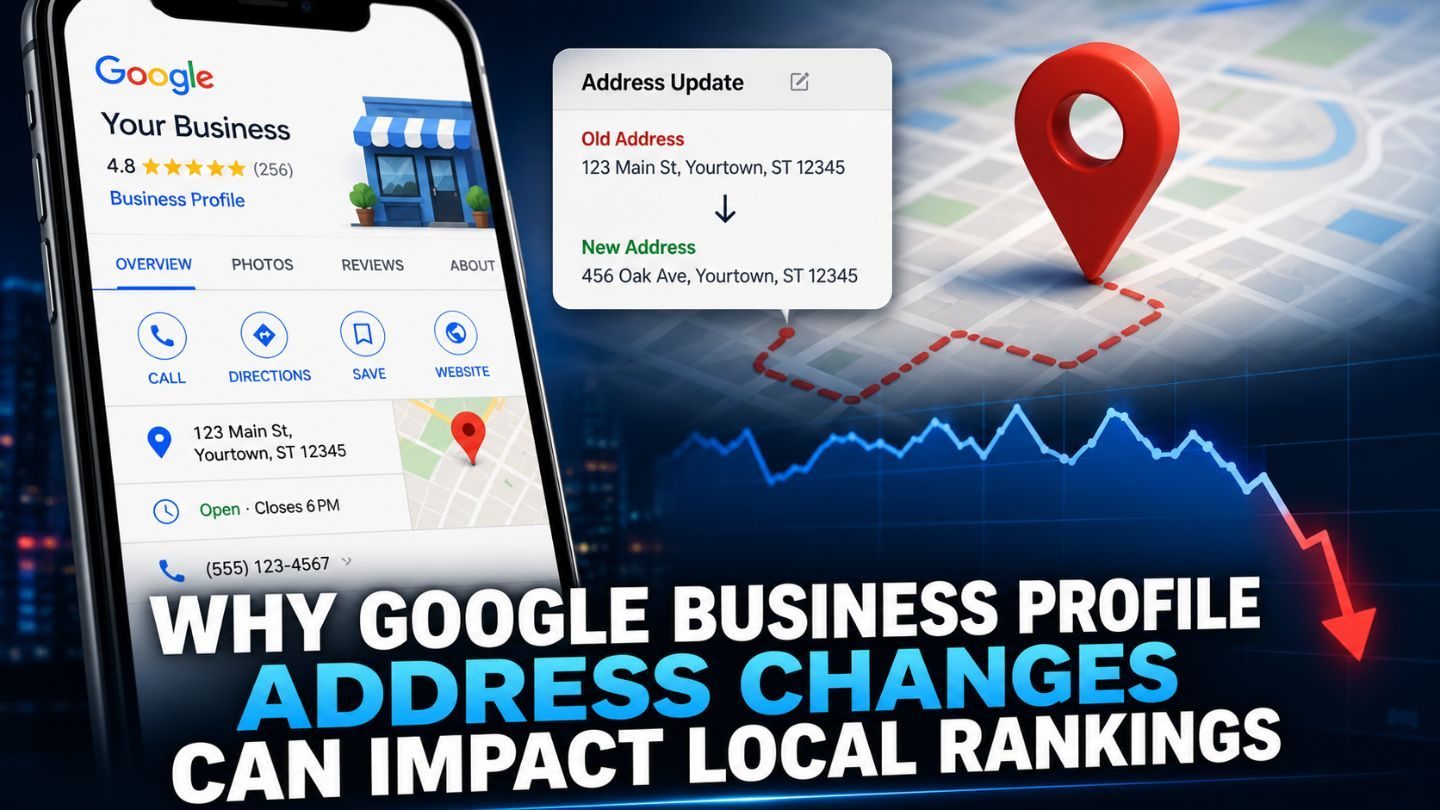
That rule protects accuracy for customers and prevents duplicate listings that compete with each other. Location changes deserve particular care, since Google Business Profile address changes can impact local rankings and need to reflect where the business actually operates. Getting this decision right avoids confusing customers and creating cleanup work later.
Reopening works when the business returns as it was, while moves and name changes need a new profile.
Steps to Reopen a Google Business Profile
Google's instructions to mark your business as reopened are simple. Go to the Business Profile and select Edit profile, either directly on Google Search or through Business information on Google Maps. Open the Hours section, select the edit option, and choose Open with main hours, or Open with no main hours if you prefer not to display a schedule.
Next, check the box for each day the business is open and set the hours using the dropdown menus, then save the changes. Once updated, the profile is no longer marked as temporarily or permanently closed on Search and Maps. Businesses managing several locations can reopen them together in Business Profile Manager by selecting the locations and marking them as open.
- Confirm the business is at the same address under the same name.
- Open Edit profile and go to the Hours section.
- Choose Open with main hours and set accurate times.
- Save, then confirm the closed label is gone on Search and Maps.
Reopening takes only a few steps in the profile's hours settings.
Read More: Reasons Your Business is not Showing on Google Maps?
When the Closed Label Appears Unexpectedly
Sometimes a business finds itself marked closed without ever choosing that status. Anyone can suggest edits to a public listing, and if an incorrect suggestion is accepted, the closed label can appear seemingly overnight. Information from other sources may play a role as well. Owners often find out only when a customer or supplier mentions it, which is why regular checks of the live profile are worth the effort.
If this happens, reopen the profile through the hours settings and review the rest of the listing for other unwanted changes, such as a different phone number or category. If the closed label keeps returning, gather evidence that the business is operating, such as photos of the storefront and current signage, and contact Google Business Profile support for help correcting the record.
Closed Is Not the Same as Suspended
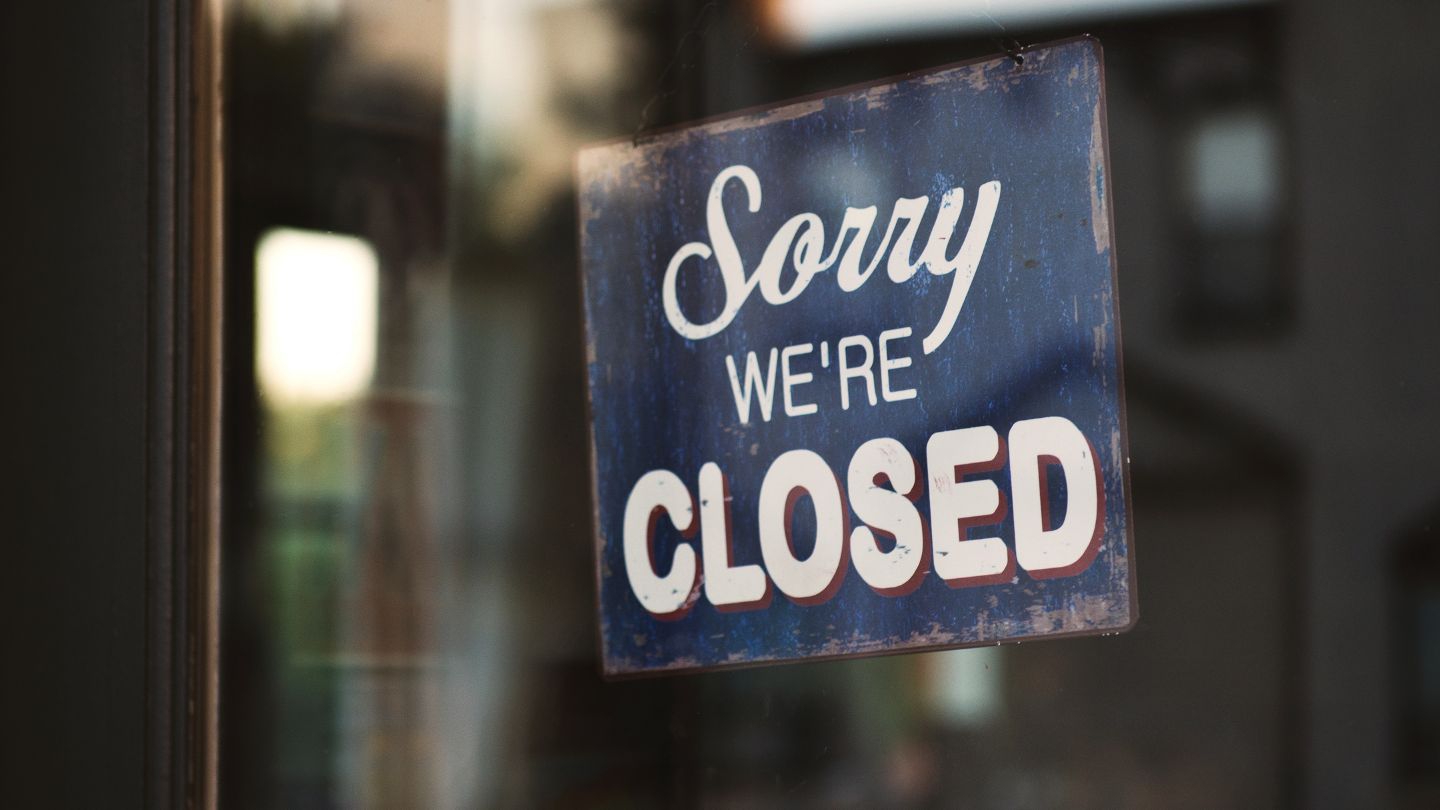
A closed status is different from a suspension, and the fix is different too. Reopening only changes the business status. A suspended profile, on the other hand, has been restricted by Google, often because of guideline violations, and it cannot be restored through the hours settings. Owners who see a suspension notice need to understand what triggered it before taking any action.
Common triggers include misleading business names, incorrect addresses, or business types that are not eligible for a profile, and the reasons a Google Business Profile might get suspended cover most situations owners run into. Fixing the underlying issue first, then requesting reinstatement through the official process, gives the best chance of restoring the listing.
Handling Verification Requests and Delays
Some reopenings take effect immediately, while others trigger a review, especially when other details change at the same time. Google may ask for verification to confirm the business is operating at the listed location, sometimes through a short video showing the storefront, signage, and workspace. Having proof of operation ready, such as signage, utility bills, or business licenses, speeds this up.
The available Google Business Profile verification methods vary by business type and location, so it helps to know the options before a request arrives. When a profile needs reinstatement after a suspension instead, longer waits are common, and accurate documentation combined with patience usually works better than repeated submissions.
Rebuilding Visibility After Reopening
Reopening the listing is the first step, but customers also need reasons to trust that the business is back. Update hours, services, and attributes so every detail is accurate, and add fresh photos showing the current space, team, and offerings. Responding to recent reviews, including any left during the closure, shows the business is active and paying attention again. Building that into a routine is where advanced Google review strategies start paying off.
Announcing the return helps too. Publishing Google Business Profile posts about the reopening, new services, or a welcome-back offer gives customers current information right on the profile. Updating the website, social channels, and other directory listings with the same details keeps information consistent everywhere people might search for the business.
Preventing Future Closure Mix-Ups
A few habits reduce the chance of being caught off guard again. Keep holiday and special hours updated in advance, so customers and Google know when the business is open. Use temporarily closed only when a break lasts longer than a week, and set a reminder to reopen the profile the moment operations resume, so the label never lingers longer than it should.
Regular monitoring helps too. Checking the live profile every few weeks, turning on notifications for suggested edits, and keeping contact details current with every manager on the account make it easier to respond quickly. When everyone knows who owns the profile and how to update it, closure statuses stay accurate, and customers always see the right information.
Read More: How to Remove Duplicate Google Listings You Don't Own
Getting Your Business Back in Front of Customers

Reopening a Google Business Profile is usually quick when the business returns under the same name and address. Updating the hours section removes the closed label, while moves and name changes call for a new verified profile instead. Watching for unexpected status changes, separating closures from suspensions, preparing for verification, and refreshing the profile with new details all help customers find and trust the business again.
At The Ocean Marketing, we help businesses restore, verify, and strengthen their Google profiles so customers can find them with confidence. Our Google Maps SEO team manages status changes, profile updates, and local visibility, and a free SEO audit can reveal gaps in your local presence. Contact us if your listing needs help getting back on track.
Frequently Asked Questions
How do I remove the permanently closed label from my Google listing?
Open your Business Profile, select Edit profile, go to the Hours section, and choose Open with main hours. Set your hours and save the changes.
Should I reopen my old profile after moving locations?
No. Google advises creating and verifying a new profile when a business was closed because of a move or name change, rather than reopening the old one.
Why does my business keep showing as closed on Google?
Incorrect user suggestions or outside data can change the status. Reopen the profile, check other details for unwanted edits, and contact support with proof of operation if the label returns.