
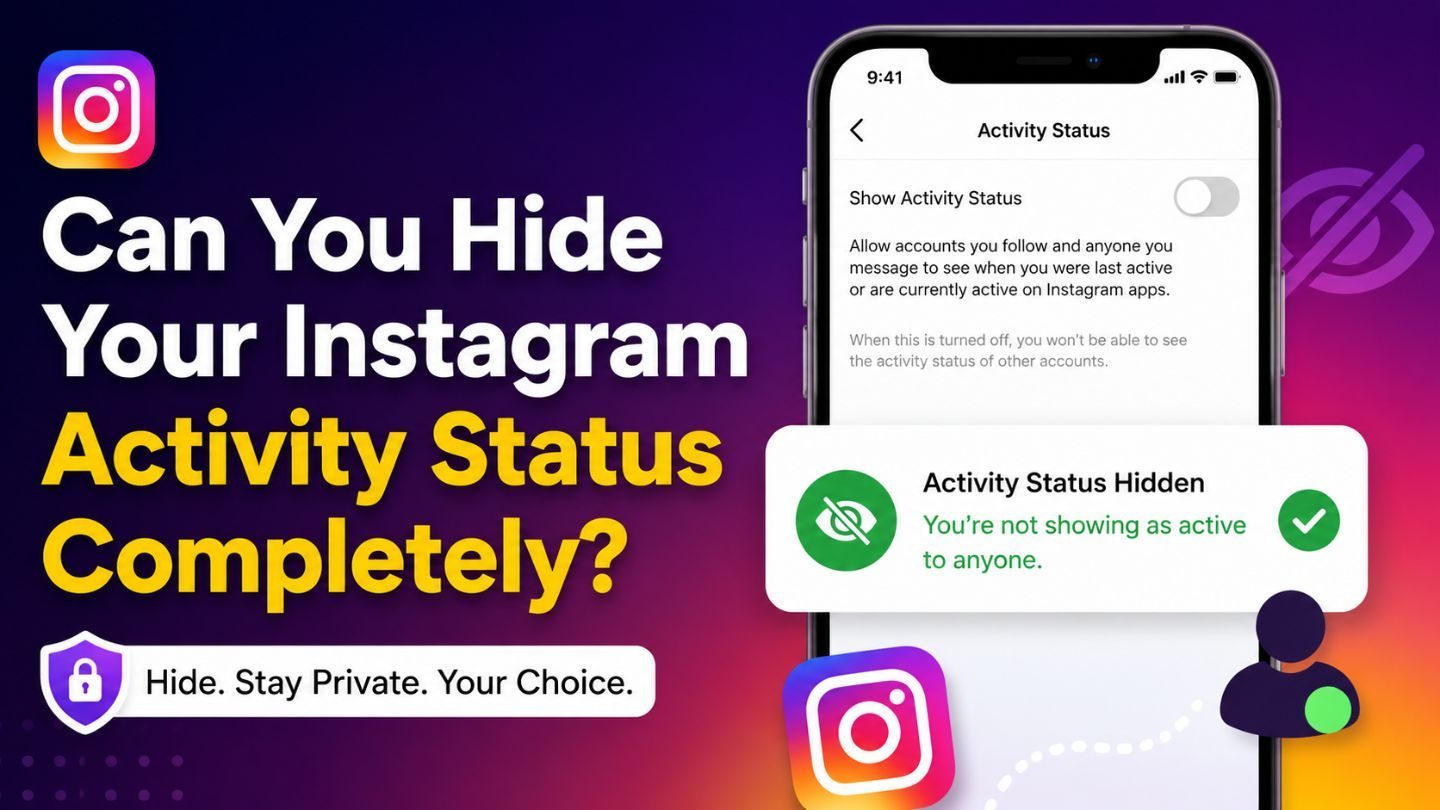
Instagram is designed to keep people connected, but not everyone wants others to know exactly when they're online. Whether you're trying to enjoy more privacy, avoid unwanted conversations, or simply browse without feeling watched, Instagram's Activity Status feature can sometimes feel intrusive. The good news is that the platform gives users some control over their visibility. However, many people wonder if it's possible to disappear completely while still using the app normally. In this blog, we'll discuss how Instagram Activity Status works, what you can and cannot hide, and the best ways to protect your privacy while using the platform.
Key Takeaways
- Instagram allows users to turn off their Activity Status.
- Disabling Activity Status hides your online and last active information.
- You won't be able to see other users' activity status after turning yours off.
- Some interactions can still reveal that you're active on the platform.
- Privacy settings should be combined with mindful app usage for better control.
What Is Instagram Activity Status?
Instagram Activity Status is a feature that shows when you're currently online or when you were last active on the platform. Friends, followers, and people you've exchanged messages with may see indicators such as "Active Now" or timestamps showing your recent activity. The feature was introduced to encourage real-time conversations through Instagram Direct Messages. While some users appreciate the convenience, others find it uncomfortable because it allows people to monitor their availability without their knowledge. That's why understanding how it works is the first step toward managing your privacy.
Can You Hide Your Activity Status Completely?
The short answer is yes - and no. Instagram allows you to disable your Activity Status, which prevents other users from seeing when you're online or when you were last active. This is the closest option available to becoming invisible on the platform. However, turning off Activity Status doesn't make your account completely undetectable. Other actions, such as liking posts, viewing stories, commenting, or responding to messages, can still indicate that you're actively using Instagram. While your online status is hidden, your engagement across the platform remains visible.
Where to Find the Activity Status Setting
If you'd like to hide your online presence, Instagram makes the process fairly simple. The setting is available within the app and only takes a few moments to adjust.
Steps to Disable Activity Status
- Open the Instagram app.
- Go to your profile.
- Tap the menu icon in the top-right corner.
- Select Settings and Privacy.
- Scroll to Messages and Story Replies.
- Tap Show Activity Status.
- Turn off the toggle.
Once disabled, your activity information will no longer be visible to others. At the same time, Instagram will stop showing you the activity status of other users as well.
What Happens After You Turn It Off?
Many users expect complete privacy once the setting is disabled, but Instagram's system works a bit differently. Turning off Activity Status mainly affects direct messaging and online indicators. People won't be able to see whether you're currently active or when you last used the app. However, if you continue interacting with content, your activity can still be noticed. For example, someone may see that you've recently liked a post, commented on a Reel, or viewed their story shortly after it was published.
Other Ways People May Know You're Active

Even with Activity Status disabled, certain actions can indirectly reveal your presence. Social media platforms are built around engagement, and every interaction leaves some level of visibility.
Some common examples include:
- Viewing Instagram Stories
- Liking posts and Reels
- Leaving comments
- Sending messages
- Posting Stories or content
- Reacting to stories
- Appearing in live sessions
Story activity can also raise visibility questions, especially for users wondering who can see their Instagram Highlights after they post or save content to their profile. While these actions don't display your exact online status, they can make it obvious that you've recently been active. For users seeking maximum privacy, limiting visible engagement may also be necessary.
Does Hiding Activity Status Improve Privacy?
For many users, disabling Activity Status offers a meaningful privacy improvement. It removes the pressure of responding immediately to messages and reduces situations where others track your online habits. This can be especially useful for business owners, creators, professionals, and individuals who receive frequent messages. Without visible activity indicators, you're free to browse, research, or engage with content without feeling obligated to answer every message the moment it arrives. That said, privacy on Instagram goes beyond a single setting. Reviewing account visibility, follower permissions, story-sharing options, and message controls can provide a more complete privacy strategy. For more selective sharing, the Instagram close friends feature can help users limit certain Story content to a smaller audience.
Common Misconceptions About Activity Status
A lot of confusion surrounds Instagram's privacy features, leading users to believe they are either fully hidden or fully exposed. The reality falls somewhere in between. One common misconception is that disabling Activity Status prevents all forms of visibility. In truth, it only removes activity indicators. Another misconception is that users can selectively hide their status from specific people. Currently, Instagram doesn't offer that level of customization. It's an all-or-nothing setting that applies across the platform. Understanding these limitations helps users set realistic expectations and avoid surprises when others still notice their activity through different interactions.
Read More: How to Save View Once on Instagram: Everything You Need to Know
Privacy Tips Beyond Activity Status
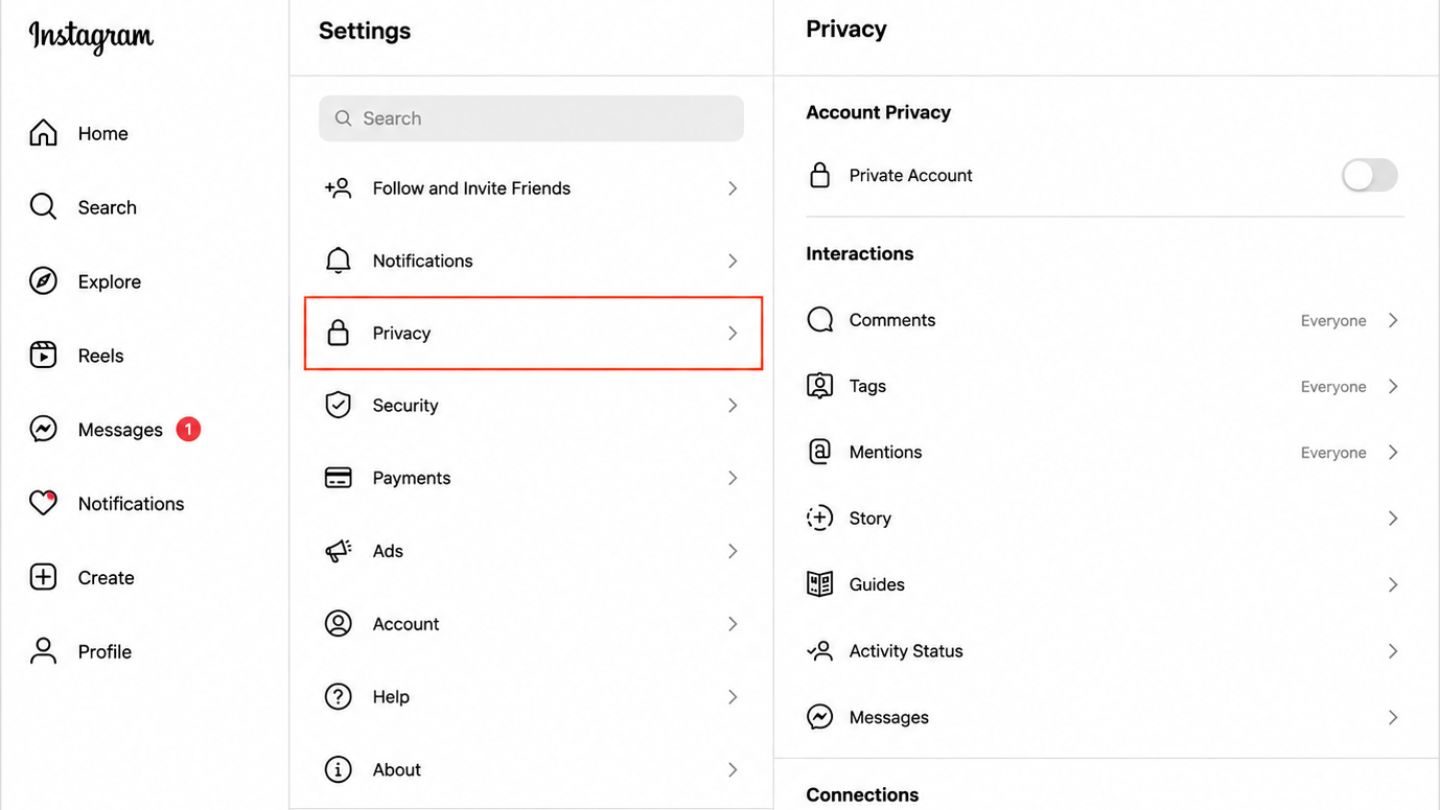
If maintaining privacy is a priority, there are several additional settings worth exploring. Combining these options can help you create a more controlled Instagram experience. For users comparing privacy controls across the app, learning how to hide followers on Instagram can also help them understand what profile visibility settings can and cannot protect.
Instagram also offers several privacy controls that users may want to review:
- Make your account private.
- Restrict unwanted users.
- Limit story visibility.
- Review tagged post settings.
- Control who can message you.
- Hide story views from selected users.
- Manage comment permissions.
These settings work alongside Activity Status controls to provide stronger protection without significantly affecting your ability to enjoy the platform.
Is It Worth Turning Activity Status Off?
For most users, the answer is yes. The setting is easy to enable, reversible at any time, and can reduce social pressure associated with being constantly available online. Whether you're trying to focus on work, maintain personal boundaries, or simply browse in peace, disabling Activity Status gives you more control over how much information others can see. While it won't make you completely invisible, it can significantly limit what people know about your online habits.
Final Thoughts
Instagram offers a useful option for hiding your Activity Status, making it easier to enjoy the platform without broadcasting when you're online. Although the setting doesn't completely erase all signs of activity, it does provide a practical layer of privacy for users who value greater control over their digital presence. By understanding the feature's limitations and combining it with other privacy settings, you can create a more comfortable social media experience.
At The Ocean Marketing, we help businesses and brands navigate the evolving world of social media marketing with strategies that balance visibility, engagement, and user trust. If you're looking to strengthen your online presence, improve digital performance, or gain deeper insights through a free SEO audit, contact us to learn how we can help support your growth.