
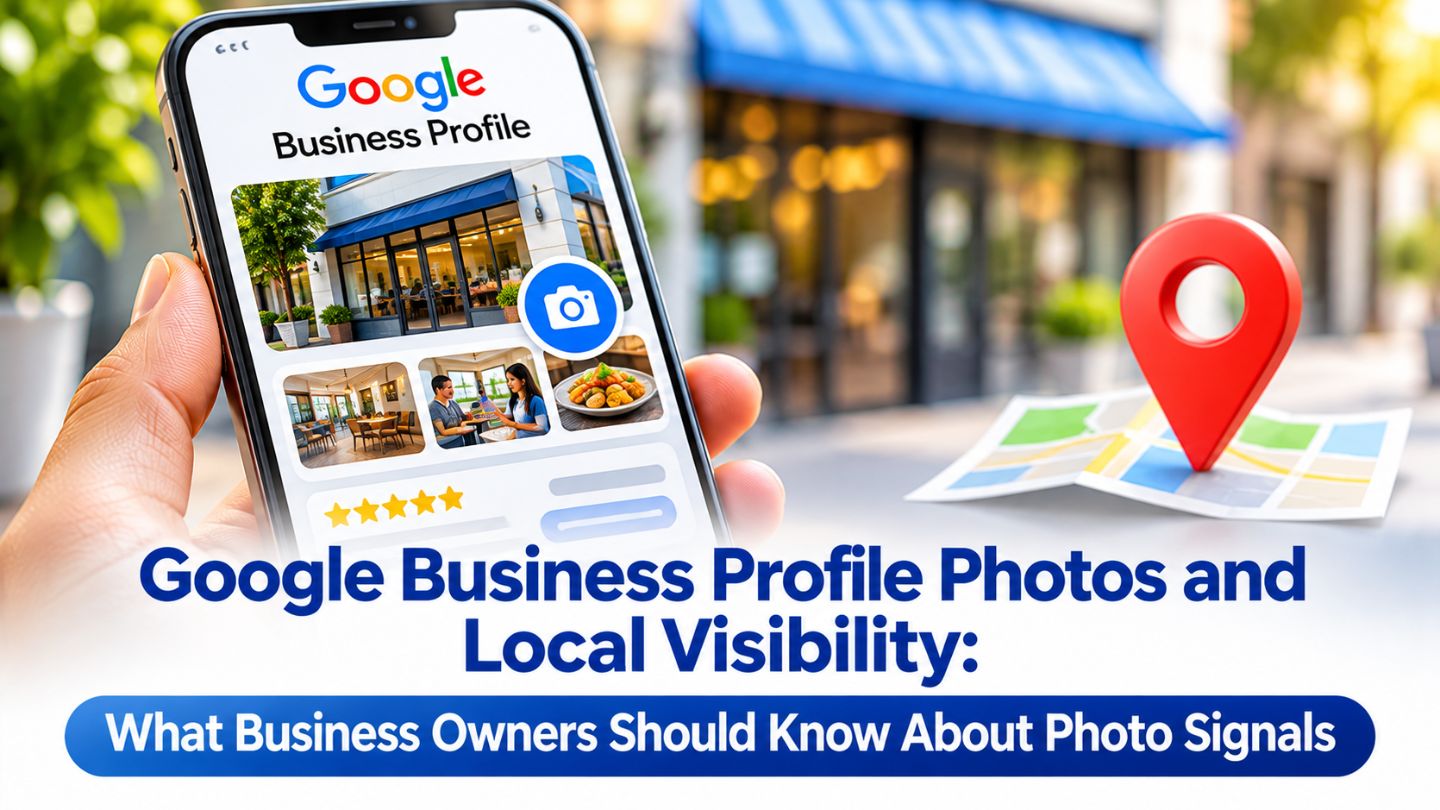
When people search for a local business, photos are often the first thing they look at. A clear storefront, a clean interior, or an appealing product shot can be the reason someone calls one business instead of another. Business owners often ask whether photos also affect where they appear in local results. This blog covers how Google Business Profile photos relate to local visibility, what Google says about ranking factors, which photo signals matter most to customers, and how to build a photo routine that supports both.
Key Takeaways
- Google ranks local results mainly on relevance, distance, and prominence.
- Google recommends adding photos as part of a complete, engaging profile.
- Photos strongly influence clicks, calls, and direction requests.
- Owner photos, customer photos, and freshness all shape a profile's impression.
- A steady photo routine keeps profiles accurate and appealing.
How Google Decides Local Rankings
Google explains in its guidance on how to improve your local ranking that local results are based mainly on relevance, distance, and prominence. Relevance is how well a profile matches the search, distance is how far the business is from the searcher, and prominence reflects how well-known the business is, including signals like reviews and links from other websites.
Photos are not named as a direct ranking factor, but they sit inside the bigger picture. Google lists adding photos and videos among its tips for a complete profile, and the factors described- proximity vs. relevance vs. prominence all depend on Google having accurate, detailed information about the business. A complete profile with strong visuals supports that goal.
Why Photos Matter to Customers First
Before customers call or visit, they want to know what to expect. Photos answer questions that text cannot, such as whether the space looks clean, how large the portions are, what finished work looks like, or where to park. Profiles without photos, or with only a logo, can feel incomplete or less trustworthy next to competitors that show the real business.
That customer behavior is where photos make their biggest difference. Profiles that attract more clicks, calls, website visits, and direction requests are doing exactly what a local listing is meant to do. Google has not confirmed exactly how engagement affects rankings, but a profile that people actively use is clearly winning the attention that local visibility is ultimately about.
The Photo Signals That Shape a Profile
Several photo-related details shape how a profile looks and performs. The logo and cover photo create the first impression, while exterior, interior, product, team, and at-work photos help customers understand the business from different angles. Exterior photos taken at different times of day also help people recognize the location when they arrive, especially in busy areas.
Quality and accuracy matter more than technical tricks. Clear, well-lit, unedited images that reflect reality build trust, while heavy filters or stock photos can do the opposite. Some owners focus on hidden metadata instead, but whether geo-tagging images helps Google Business Profile rankings remains widely debated, and relevance and accuracy carry far more weight with customers.
- A clear logo and an appealing cover photo.
- Exterior shots that help customers find the location.
- Interior photos showing the space and atmosphere.
- Product, service, and team photos that show real work.
Owner photos, customer photos, and steady upkeep together shape how a profile looks to customers.
Read More: Reasons Your Business is not Showing on Google Maps?
The Role of Customer Photos
Why Customer Photos Build Trust
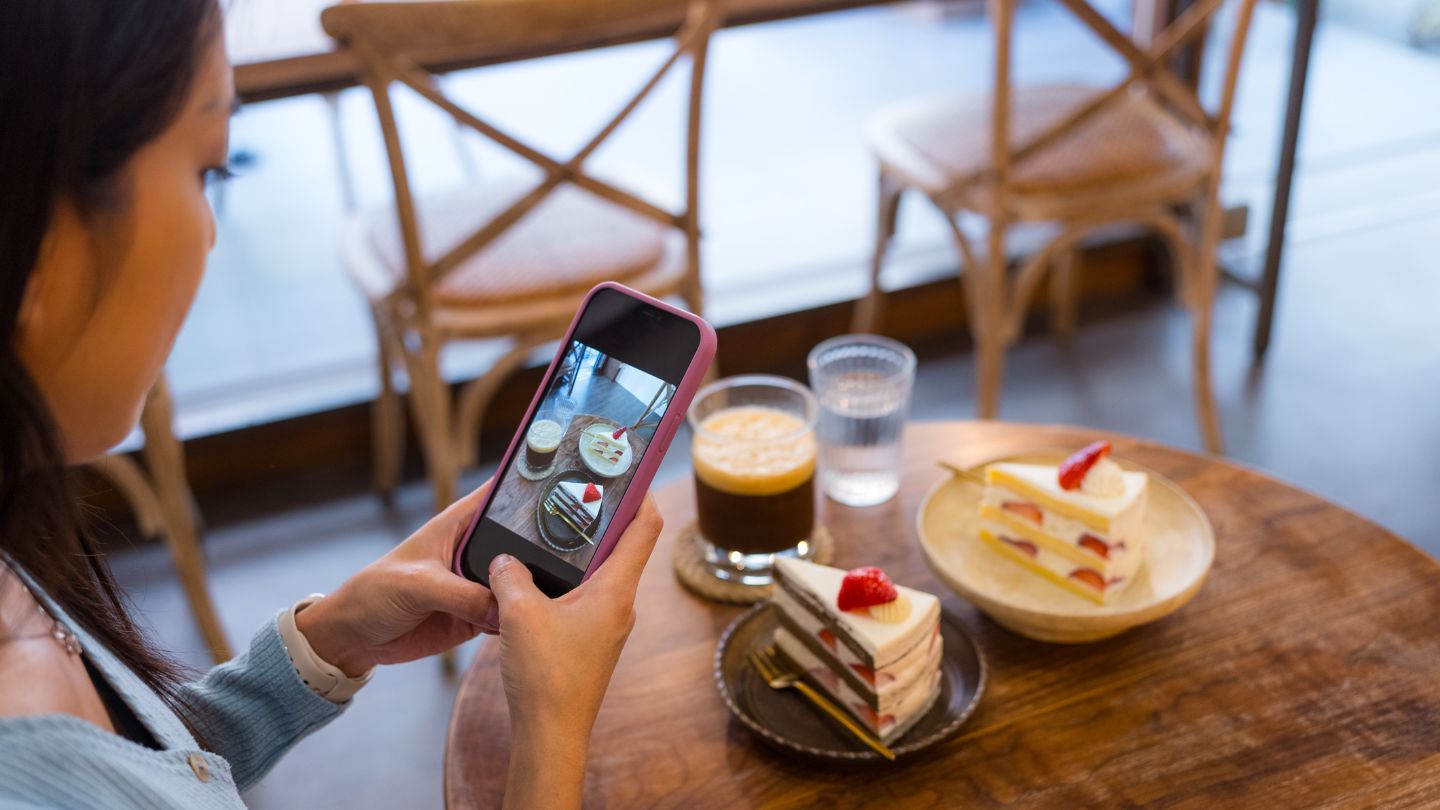
Customer photos add authenticity that owner images cannot match. They show real experiences, everyday conditions, and products as customers actually received them, which many searchers trust more than polished marketing. A steady flow of customer photos also shows that people are actively visiting and engaging with the business over time.
Encouraging and Managing Uploads
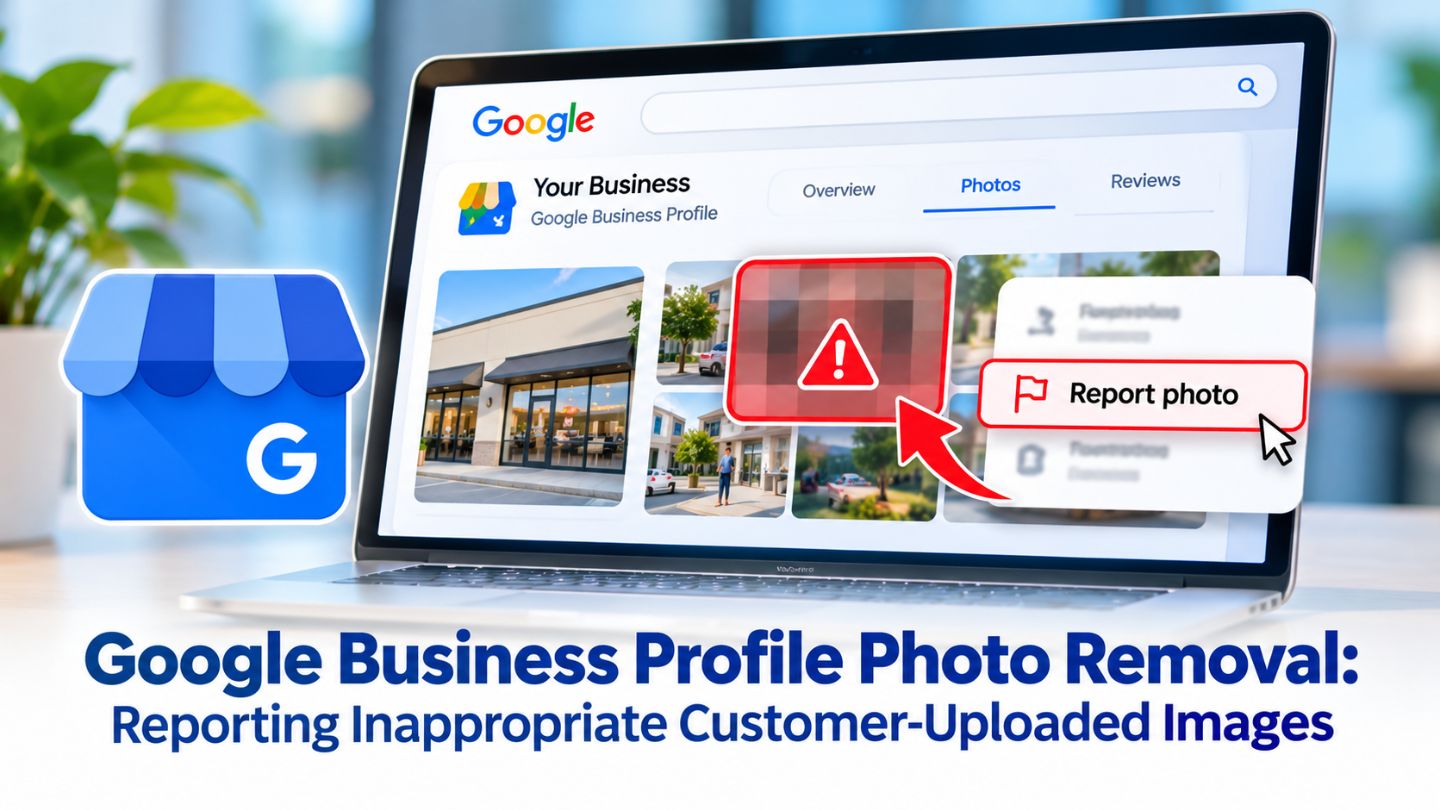
Owners cannot delete customer photos, but they can encourage good ones and report those that break Google's policies. Inviting happy customers to share pictures with their reviews, creating photo-friendly spaces, and replying to photo updates in the Maps app all help. Monitoring new uploads regularly keeps the overall impression of the profile accurate.
Read More: Google Business Profile Photo Removal: Reporting Inappropriate Customer-Uploaded Images
Keeping Photos Fresh and Relevant
An outdated photo collection can mislead customers and make a business look inactive. Seasonal changes, renovations, new products, and team updates all deserve fresh images. A simple routine, such as adding a few new photos each month, keeps the profile current without becoming a burden on a busy team.
Photos also work best alongside other profile features. Adding images to posts, services, and Google Business Profile products gives customers more visual information exactly where they are making decisions. Each update offers searchers another reason to choose the business and keeps the profile complete and engaging.
Rotating photo topics each week keeps the profile current without much effort.
Getting Photo Quality Right Without Overthinking It
Good photos do not require expensive equipment. Natural light, a steady hand, and a clean scene go a long way. Google's photo guidelines call for JPG or PNG files between 10 KB and 5 MB, with a recommended resolution of 720 by 720 pixels, and images should be in focus, well lit, and free of heavy alterations.
Many habits from website imagery apply here as well. Clear subjects, relevant scenes, and descriptive file names keep a photo library organized and useful. The practices used to optimize images for better rankings on websites, such as accurate context and strong original quality, also support better visuals on a Business Profile.
Managing Photos for Multiple Locations
Showing What Makes Each Location Unique
Businesses with several locations face an extra challenge because each profile needs its own accurate photos. Using the same images across every location can confuse customers who expect to see the specific storefront, interior, or team they will visit. Each profile should show what makes that location recognizable, from its entrance to its parking area.
Creating a Shared Photo Plan
A shared photo plan keeps the work manageable. Agree on the categories every location should cover, set a schedule for updates, and assign someone at each site to supply fresh images. Consistent quality and style across locations strengthen the brand, while location-specific details keep each profile genuinely useful to local customers.
Common Photo Mistakes to Avoid
Some photo habits work against a profile. Heavily edited images, stock photos, collages, and pictures crowded with text can look misleading or unprofessional. Outdated images showing old signage, previous decor, or products no longer offered create confusion when customers arrive and find something different. The choice between image and illustration matters here too, since stock graphics rarely read as authentic on a local profile.
Neglect is another common problem. Profiles that receive a burst of photos at launch and nothing afterward slowly start to look abandoned. Regular, honest updates that reflect the business as it is today build far more trust than a polished gallery that no longer matches reality.
How Photos Support the Rest of Your Profile

Photos rarely work alone. A strong review, a clear business description, and a well-chosen category all become more convincing when the images back them up. If reviews praise a bright, welcoming space, interior photos should show it. If the description highlights a specific service, the gallery should include pictures of that work being done.
This alignment helps customers make decisions faster, because everything they read matches what they see. It also gives Google a consistent, detailed picture of the business across every part of the profile. Reviewing photos alongside the rest of the listing once a quarter keeps every element telling the same accurate story.
Making Every Photo Work for Your Business
Google Business Profile photos are not listed as a direct ranking factor in Google's published guidance, but they play a major role in how complete a profile looks and how customers respond to it. Accurate, high-quality owner photos, authentic customer images, regular updates, and visuals across posts and products all help a profile attract more clicks, calls, and visits from local searchers.
At The Ocean Marketing, we help local businesses build profiles that look accurate, active, and appealing to nearby customers. Our Google Maps SEO team manages photos, posts, and profile details that support local visibility, and a free SEO audit can uncover opportunities to strengthen your presence. Contact us to make your profile photos work harder for your business.
Frequently Asked Questions
Do photos help my Google Business Profile rank higher?
Google does not list photos as a direct ranking factor, but it recommends adding them as part of a complete profile. Photos strongly influence how customers engage with your listing.
How often should I add new photos to my profile?
Adding a few fresh photos each month is a practical goal. Update images whenever your space, products, or services change.
What types of photos should a business profile include?
A logo, cover photo, exterior and interior shots, and images of products, services, and the team at work give customers a complete picture.