
SaaS product pages carry a heavy load. In a few seconds, they need to explain what the software does, who it is for, and why it deserves a trial or a demo, often to visitors comparing three or four tools at once. Clever slogans and long feature lists rarely survive that kind of scrutiny. This blog outlines a practical framework for writing SaaS product pages, from understanding the buyer and leading with outcomes to structuring features, handling objections, and turning interest into sign-ups.
Key Takeaways
- Strong SaaS product pages lead with outcomes, not features.
- Good copy starts with understanding the buyer's problem and buying stage.
- Features work best when framed around the jobs they help users finish.
- Proof, pricing clarity, and objection handling build trust before sign-up.
- Clear, specific calls to action turn interest into trials and demos.
Why SaaS Product Pages Need Their Own Writing Approach
Selling software is different from selling a physical product. Buyers cannot hold it, the benefits often show up weeks after purchase, and many pages need to speak to several people at once, such as the end user, the manager who approves the budget, and the technical lead who checks integrations. A page that only speaks to one of them leaves the others with unanswered questions and a reason to keep shopping elsewhere.
SaaS markets are also crowded. Visitors frequently arrive from comparison searches, review sites, or competitor pages, already skeptical and short on time. Copy that relies on vague claims like "powerful" or "all-in-one" blends into every other page they have seen that day. Specific language that names the problem, the user, and the result is what helps a product stand out and keeps the right visitor reading.
Start With the Buyer, Not the Feature List
The framework begins before a single word is written. Talk to customer success and sales teams, read support tickets and reviews, and collect the exact phrases customers use to describe their problems. Those phrases reveal what buyers care about, what frustrated them with previous tools, and what finally made them switch. They also become some of the most persuasive lines on the page, because they sound familiar to the reader.
It also helps to map the buying stage. Someone searching for a category term is still learning, while someone searching for a specific feature or integration is close to deciding. Search demand shapes this stage more than most teams expect, and it is a big part of why SaaS SEO is essential for business growth, since the queries people type reveal both their intent and the language they expect to see on the page.
Lead With Outcomes in the Hero Section

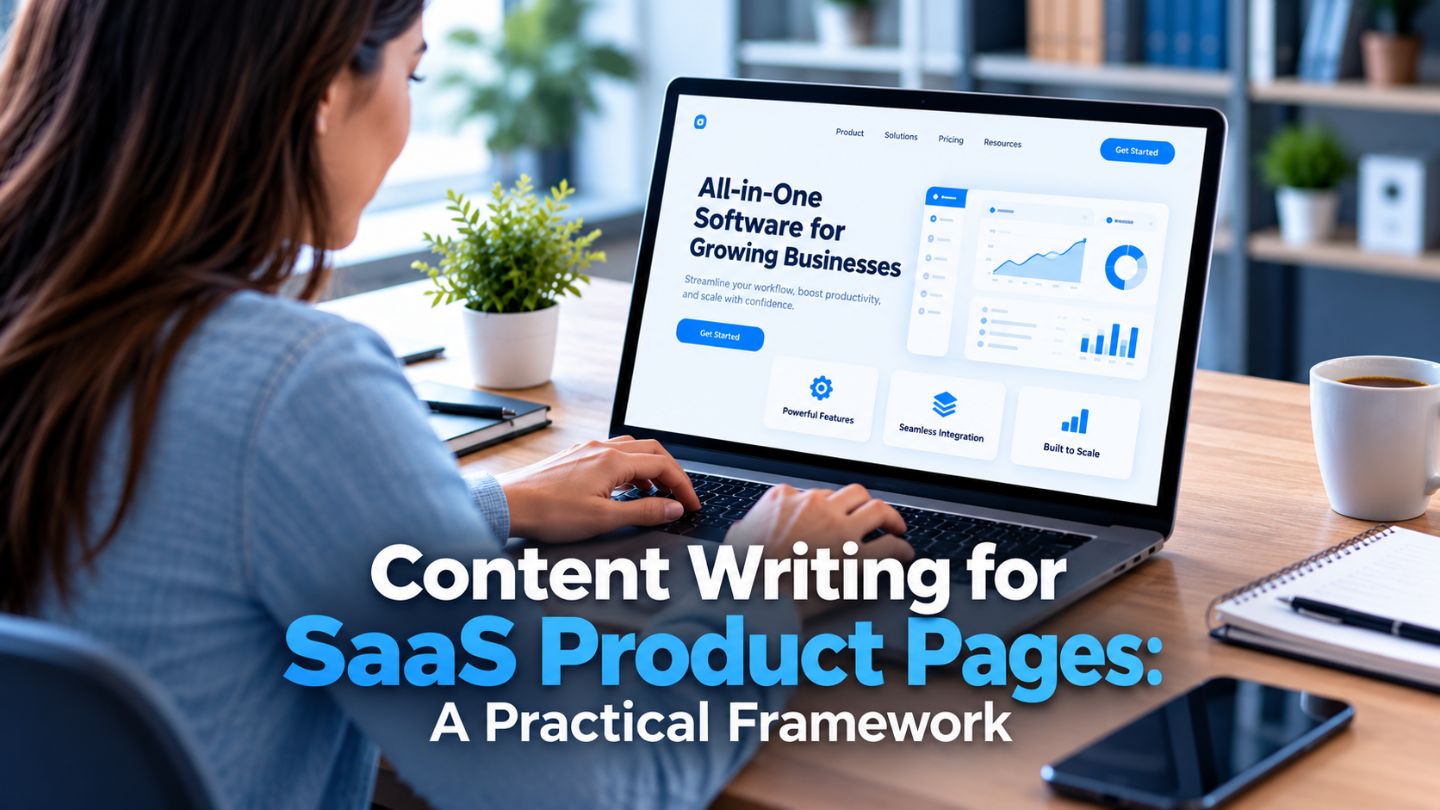
The top of the page has one job, which is to make the value clear immediately. A strong headline states the outcome the product delivers, such as saving hours on invoicing or reducing missed support tickets, rather than describing the software category. A supporting line then explains how it works in plain language and who it is built for. Together, they should pass a simple test: could a stranger repeat what the product does after reading them once?
The visual and the primary call to action complete the hero. A short product screenshot or looping clip of the main workflow often does more than an abstract illustration, because it proves the product is real and easy to use. The call to action should match the visitor's stage, such as a free trial for self-serve products or a demo request for sales-led ones, with a lower-commitment option for people who are not ready yet.
A Quick Hero Section Checklist
- A headline that names the outcome, not the category.
- A subheading that explains how it works and who it is for.
- A real product visual instead of a generic graphic.
- One primary call to action and one lower-commitment option.
Read More: Above-the-Fold Website Design: What Google & Users Expect
Turn Features Into Jobs and Benefits
Features still matter, but they need context. Instead of listing "automated workflows," explain what that means in practice, such as approvals moving forward automatically so nothing sits in someone's inbox for days. A useful pattern is feature, benefit, then proof: what it is, why it matters, and a quick example or metric that shows it working. Grouping features by the job they help users finish also makes long pages far easier to follow.
Formatting carries as much weight as wording. Most visitors scan before they read, so short sections, descriptive subheadings, and supporting visuals help them find the details they care about quickly. The same reason skimmable content boosts engagement and conversions applies strongly to product pages, since evaluators who can scan easily keep moving toward a decision rather than hunting for answers.
A strong SaaS product page moves visitors from understanding to trust to action.
Build Trust With Proof and Clear Answers
Show Proof Where It Counts
Software buyers take on real risk when they switch tools, so trust signals deserve a prominent place. Customer logos, short testimonials tied to specific results, case study snippets, security and compliance details, and integration lists all reduce that risk. Proof works best when it sits next to the claim it supports, such as a quote about faster reporting placed beside the reporting feature rather than collected in one block at the bottom. Knowing how to write effective case studies makes those proof points far easier to pull from.
Answer Objections Before They Stop a Sale
Objection handling is the other half of trust. Common concerns include setup time, data migration, learning curve, contract length, and pricing surprises. Answering these directly on the page, often in a short FAQ near the call to action, keeps visitors from leaving to find answers elsewhere. Pricing clarity matters too, and even a simple "plans start at" line or a clear pricing link removes a major source of hesitation.
Match the Page Type to the Visitor's Intent
Not every SaaS page should follow the same template. A main product overview explains the whole platform, while feature pages go deep on one capability, use case pages speak to a specific role or industry, and integration pages answer technical questions. Each type has a different reader and a different next step, so copy length, depth, and calls to action should change along with it.
Campaign traffic often needs its own destination as well. Visitors from a paid ad or email expect the page to continue the exact message that brought them there, and a mismatch costs conversions quickly. The different types of landing pages, from trial sign-ups to demo requests and comparison pages, each give that traffic a focused destination without crowding the main product page.
Write Search Snippets That Earn the Right Click
The writing on a product page starts in the search results. The title tag and meta description are often the first lines a buyer reads, and they compete directly with rival products and review sites on the same results page. Clear, specific titles that include the product category and a key outcome tend to perform better than clever taglines that only make sense once someone already knows the brand.
Descriptions should reinforce the promise of the page and hint at what makes the product different, such as a free plan, a specific integration, or a standout result. SERP copywriting that mirrors the language buyers use in their searches attracts the right people, while setting accurate expectations reduces bounces once they reach the page.
Test, Measure, and Keep Improving
Product pages are never truly finished. Track how visitors move through the page, where they stop scrolling, and which calls to action they click. Session recordings and heatmaps reveal confusion that analytics alone can miss, such as visitors repeatedly clicking a screenshot that is not clickable or skipping a section entirely. Pair this with trial and demo conversion rates to see which pages are pulling their weight.
Small, focused tests usually teach the most. Try a sharper headline, a different proof point near the call to action, or a clearer explanation of pricing, and measure the effect over enough traffic to trust the result. Feedback from sales calls is valuable too, because the questions prospects ask live often point to gaps the page should answer before anyone needs to book a meeting.
Read More: How Heatmaps Help Improve Website Design Decisions
Small, steady tests help product pages improve without guesswork.
Turning Product Pages Into Your Strongest Sales Tool
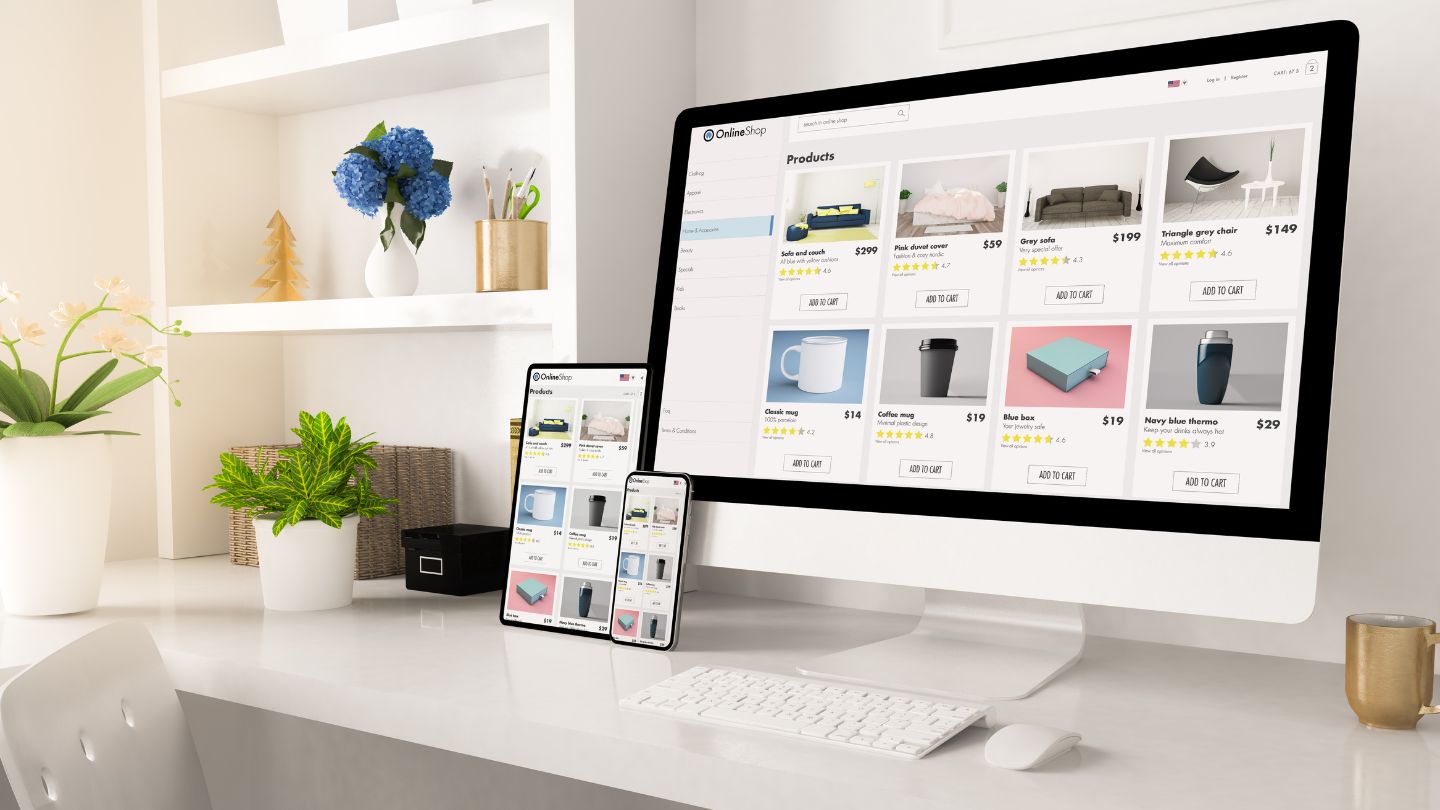
A practical framework for SaaS product pages starts with the buyer, leads with outcomes, frames features as jobs, and builds trust through proof and honest answers. Matching each page to visitor intent, writing search snippets that earn the right clicks, and testing steadily over time turns product pages into dependable sources of trials and demos rather than static brochures that visitors skim and leave.
At The Ocean Marketing, we help software companies turn complex products into clear, persuasive pages that buyers understand. Our Content Writing team builds product pages around real customer language and search intent, and a free SEO audit can show how your current pages perform in search. Contact us to talk about product pages that turn more visitors into users.
Frequently Asked Questions
How long should a SaaS product page be?
Long enough to answer the questions buyers have at that stage. Simple self-serve tools may need a short page, while complex platforms often need longer pages with clear sections, visuals, and an FAQ.
Should SaaS product pages focus on features or benefits?
Both, but benefits should lead. Each feature works best when it is tied to an outcome the user cares about, along with a quick example or proof point.
What is the best call to action for a SaaS product page?
It depends on the sales model. Self-serve products often use a free trial, while sales-led products usually ask visitors to book a demo, with a lower-commitment option for people still researching.