
If you've logged into Facebook's back end recently and felt lost, you're not imagining things. Meta has spent the last few years consolidating its management tools, and Creator Studio, once the default home for scheduling and insights, has been steadily folded into Meta Business Suite. Plenty of teams are still working from habits built around a tool that no longer does what it used to. This blog outlines what each platform was built for, what's actually changed, and how to work in the current setup without losing capabilities you relied on.
Key Takeaways
- Creator Studio was built for content publishing and creator-focused insights.
- Meta Business Suite consolidates publishing, ads, messaging, and analytics.
- Meta has been migrating Creator Studio functions into Business Suite.
- Business Suite suits businesses running both organic and paid activity.
- Knowing where each function now lives saves significant daily friction.
What Each Tool Was Originally For
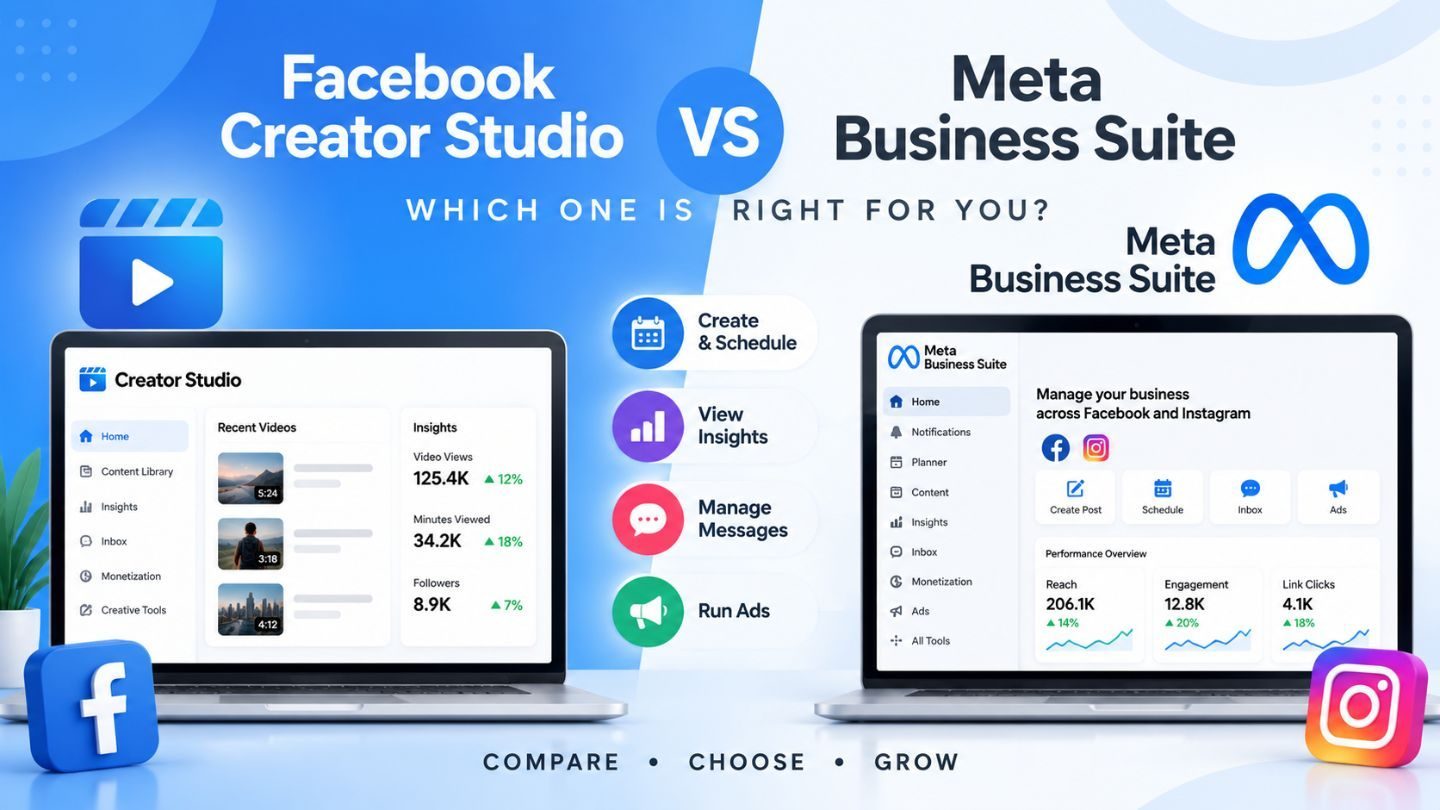
Creator Studio arrived to solve a specific problem. Publishers and creators needed a place to manage content across Facebook and Instagram without wading through ad tools they never used. It handled scheduling, a content library, post-level insights, and monetization data, with an interface built around the rhythm of publishing rather than campaign management.
Meta Business Suite came at it from the opposite direction. It was designed as a single control panel for a business's entire Meta presence, organic posts, paid campaigns, inbox messages, reviews, and analytics in one place. Where Creator Studio was deep on publishing, Business Suite was broad across everything a business does on the platform, which is a genuinely different design goal.
The Consolidation Nobody Announced Clearly
Meta has been steadily deprecating Creator Studio features and rebuilding them inside Business Suite, and the communication around it has been patchy. Functions moved, some were renamed, some quietly disappeared. Teams that lived in Creator Studio for years keep opening it out of muscle memory and finding half of what they need is elsewhere.
The practical impact is more disruptive than it sounds. Scheduling workflows built around Creator Studio's bulk tools need rebuilding. Reporting habits break when metrics sit under different labels. If your team keeps a documented process, it's almost certainly out of date. Rewriting it around where things currently live saves more time than any tool comparison will, because the friction is in the habits, not the features.
Where Business Suite Genuinely Wins
The unified inbox is the standout. Facebook messages, Instagram DMs, and comments arrive in one queue rather than three apps, which for any business fielding customer questions is a substantial daily saving. Response times improve simply because nothing falls through a gap between platforms. For businesses treating that queue as a sales channel, direct message marketing is where most of the recoverable value sits.
The organic and paid overlap is the other real advantage. Seeing which posts performed and boosting the ones that worked, without exporting data and switching interfaces, shortens the loop between noticing something and acting on it. For businesses running both, that integration is the whole point, and it's why sticking with a publishing-only tool eventually costs more than the learning curve of moving. Teams thinking about social media budget allocation benefit from seeing both sides in one view rather than reconciling them afterward.
Mobile Access Actually Matters
Business Suite's mobile app handles approvals, replies, and scheduling from a phone in a way Creator Studio never did well. For small teams without a dedicated social manager, that alone justifies the switch.
What Publishers Lost in the Move
It isn't all improvement, and pretending otherwise wastes people's time. Creator Studio's content library gave publishers a granular view of their back catalog that Business Suite handles less gracefully. Some monetization reporting was clearer in the old interface. Bulk operations that took one action now take several.
If your workflow is publishing-heavy, high volume, lots of scheduling, deep post-level analysis, you'll feel these gaps. The workarounds exist, but they're clunkier. Being honest about that helps teams plan rather than repeatedly rediscovering the same frustration. Understanding what a dark post is and how it works is one example of something that now sits in a different place than most publishers expect.
Choosing Based on How You Actually Work

The decision comes down to what your Meta presence looks like. If you run organic posts and paid campaigns and handle customer messages, Business Suite is the right home, and the consolidation genuinely helps you. If you're a pure publisher with no ad spend, you'll find it heavier than you need, though the migration removes the choice regardless.
For agencies managing multiple clients, Business Suite's account structure handles that better than Creator Studio ever did, which is worth the transition friction. For a one-person business posting twice a week, most of the interface is noise, and the mobile app covers what you need. Match the tool to the volume and the workflow rather than to what's newest.
Read More: Facebook SEO: How Public Posts Appear in Google Search Results
Access and Permissions Are the Hidden Problem
Underneath the interface question sits a messier one that surfaces the moment you try to change anything. Who actually owns the page? Is it tied to a former employee's personal profile? Does your agency have admin rights nobody remembers granting? Business Suite exposes these gaps because it forces you through a permission structure that the old workflow let you ignore.
Sorting it out is tedious and worth doing once properly. Map who has what access, remove anyone who left, make sure ownership sits with the business rather than an individual, and document it somewhere findable. Teams discover this the hard way, usually at the worst possible moment, when the one person who could grant access has been gone for two years, and nobody can recover the account.
Making the Transition Without Losing Time
The teams that handle this well do three things. They export historical data before anything else disappears, because relying on a deprecated tool to hold your archive is a bad bet. They rebuild their documented process around current locations rather than patching the old one. And they set aside a proper hour to learn the layout instead of discovering it under deadline pressure.
It's also worth reviewing what you actually use. Most teams carry over habits from tools they've outgrown, scheduling in a way that made sense three platform versions ago. A migration is an unusually good moment to ask whether the workflow still fits the work. Reviewing how to transfer Facebook page ownership is worth doing at the same time if your access structure has drifted over the years.
Scheduling Without the Old Workflow
Bulk scheduling was Creator Studio's strongest feature, and its loss stings most for teams publishing daily. Business Suite handles scheduling competently but assumes a lower volume, which means workflows built around uploading a month of content at once need rethinking rather than replicating.
The practical adjustment is scheduling in smaller batches more often, weekly rather than monthly, which most teams find they prefer once they've stopped resenting it. Content stays more responsive to what's happening, and the review burden gets distributed instead of landing as one dreaded afternoon. The tool forced a change that a lot of teams needed anyway.
Permissions and Access Deserve a Review

Migrations expose access structures that grew organically and badly. A former employee is still holding admin. A page owned by someone's personal account. An agency with more permissions than anyone remembers granting. None of this surfaces until you need to change something and discover you can't.
Business Suite's access model is clearer than what came before, which makes this a good moment to audit rather than a chore to postpone. Who has admin, who needs it, and what happens if the person holding it leaves? Businesses discover the answer to that last question at the worst possible time, usually when the person has already gone.
Read More: How to Claim an Unofficial Facebook Page: A Simple Guide
Reporting That Survives the Change
If your monthly report pulls metrics from Creator Studio, it's going to break, and the version you rebuild in Business Suite may not match the numbers you reported last quarter. Definitions shift between interfaces, and a metric with the same name can be counted differently.
Flag that before it becomes an awkward conversation. A reported drop that's actually a measurement change is a credibility problem if it surfaces as a surprise and a non-event if you mentioned it in advance. Rebuild the report, note where the definitions changed, and mark the transition date so future comparisons account for it rather than treating the discontinuity as performance.
Working With the Tools You Actually Have
The Creator Studio versus Business Suite question is increasingly settling itself as Meta consolidates. The useful work isn't picking a side; it's understanding where each function now lives, exporting what you need to keep, and rebuilding your process around the current reality rather than the one your documentation describes. Business Suite is broader and better for businesses running organic and paid together. Publishers lose some depth, and the workarounds are worth learning rather than fighting.
At The Ocean Marketing, we help businesses build social media marketing processes that survive platform changes instead of breaking with every update. Whether you need help restructuring your Meta workflow, tightening your content approach, or want a free SEO audit to see how your wider presence performs, our team is here to help. Contact us, and we'll get your setup working properly.