
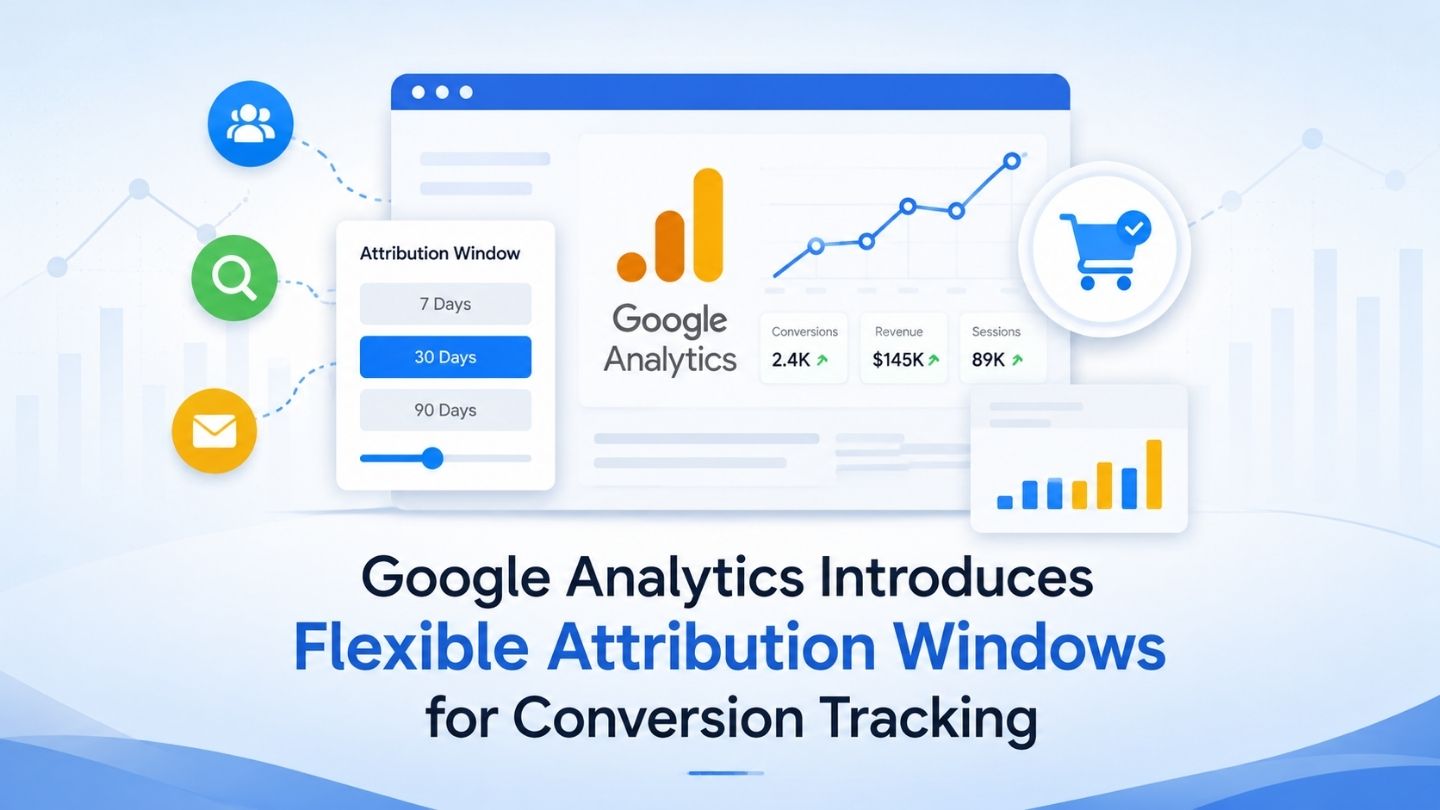
Attribution windows determine how far back Google Analytics can look when assigning conversion credit to earlier marketing touchpoints. Google Analytics has expanded this flexibility by allowing custom conversion windows rather than limiting businesses to preset options, making it easier to align measurement with the length of a real customer journey. This blog covers what flexible attribution windows change, why default settings may underrepresent longer consideration cycles, and how to choose windows that better reflect actual conversion behavior.
Key Takeaways
- Attribution windows determine how far back a conversion can be credited to a touchpoint.
- Flexible windows let you match measurement to your actual sales cycle.
- Default windows can badly undercredit long-consideration purchases.
- Different conversion actions may require different attribution windows.
- Window changes should be documented because they can affect reporting comparisons going forward.
A Simple Way to Explain This to Non-Technical Stakeholders
Attribution windows are genuinely confusing to explain to anyone outside analytics, and a poor explanation often leads to the setting being ignored or mistrusted by the people who most need to understand why the numbers moved. A simple analogy tends to land better than a technical description: it’s like deciding how far back to check someone’s browsing history before crediting an ad with influencing their purchase, seven days back tells a very different story than ninety.
Framing it this way in any internal communication about the change helps stakeholders grasp why the numbers shifted without needing to understand the underlying mechanics, which matters because the people making budget decisions based on this data are rarely the ones configuring the setting itself.
What an Attribution Window Actually Controls

An attribution window is the timeframe during which a touchpoint, an ad click, an organic visit, a social interaction, can still be credited with contributing to a later conversion. A thirty-day window means anything that happened within thirty days of the conversion gets considered. Anything before that is invisible to the model entirely, regardless of how influential it actually was.
This matters enormously for businesses whose customers take time to decide. A default window built around fast consumer purchases will systematically undercredit the channels that actually started the journey for anyone with a longer consideration period, which quietly distorts every channel comparison built on top of it without anyone necessarily noticing the mechanism causing it.
Why the Default Never Fit Everyone
Analytics platforms rely on default attribution settings because they need a starting point, but those defaults cannot reflect every business model or customer journey. A shorter lookback period may work reasonably well for fast purchases while fitting poorly for B2B services, real estate, or other considered purchases where prospects may research for weeks or months before converting. A thirty-day window works reasonably for impulse purchases and fits poorly for B2B software, real estate, or any considered purchase where someone might research for two or three months before converting. This connects to the same measurement gap covered in first-click versus last-click attribution, where the wrong default silently misrepresents which channels are actually working.
The businesses most affected were the ones least likely to notice, because the distortion doesn’t look like an error, it looks like data. A channel that genuinely starts a lot of journeys will show weak attributed conversions under too short a window, and a team trusting that number at face value might cut a channel that was actually working, just outside the window’s visibility.
Read More: Search Demand vs Search Volume: Which Metric Should You Trust
What Flexibility Actually Enables

More flexible conversion windows make it easier to align measurement with your actual sales cycle rather than relying only on preset lookback periods. If your data shows that most qualified conversions happen within a particular timeframe, you can choose a window that better reflects that behavior while avoiding unnecessarily long periods that may attribute unrelated interactions. If your own data shows most conversions happen within twenty-one days of first contact, set the window around that reality rather than an arbitrary platform default that was never built with your business in mind.
It also allows testing. Comparing reporting across shorter and longer lookback periods can help reveal how strongly conversion timing affects the apparent contribution of earlier touchpoints. This is especially useful for businesses with long consideration cycles, where earlier interactions may otherwise fall outside the selected attribution window. That comparison alone often changes budget conversations, because it reveals which channels were actually starting journeys that a short window had been hiding entirely.
Check Your Actual Time-to-Conversion First
Don’t guess at the right window, pull your own conversion path data and look at how long, on average, people actually take. Setting the window to match reality beats setting it to a number that felt reasonable.
Different Conversions May Need Different Windows
Not every conversion action represents the same customer journey. A newsletter signup, qualified lead submission, add-to-cart action, and completed purchase can happen at very different points in the decision process, so using the same lookback period for every conversion may not always reflect how customers actually behave.
Where Google Analytics allows conversion-level window configuration, use your own conversion lag data to guide the setting. A high-intent action that usually happens quickly may justify a shorter window, while a purchase or lead that typically follows weeks of research may need a longer one. The goal is not to give individual channels arbitrary windows, but to make each conversion’s measurement period reflect the journey behind that action. Reviewing what factors influence PPC campaign success can provide additional context once attribution settings are aligned.
Documenting Attribution Window Changes
Changing an attribution window should be treated as a measurement methodology change, even when it does not rewrite historical reporting. Once the new setting takes effect, future conversions may be credited differently because Google Analytics is evaluating a different lookback period than before.
Document the date and reason for the change in internal reporting so marketing, sales, and leadership understand why future attribution numbers may not be directly comparable with earlier periods. This prevents normal measurement differences from being mistaken for sudden changes in campaign performance.
Setting Windows That Reflect Reality
Start with your actual conversion lag and path data rather than guessing. Look at how long customers typically take between meaningful marketing interactions and conversion, then choose a lookback period that captures most legitimate influence without extending so far that unrelated older interactions begin receiving credit.
Too short a window can exclude meaningful earlier touchpoints, while an unnecessarily long one can make attribution less precise. The right setting should be based on the behavior surrounding each important conversion rather than on a generic number. Reviewing your PPC funnel mapping against actual ad performance alongside this change may also reveal other measurement gaps.
Revisit it periodically rather than setting it once and forgetting it. Sales cycles shift as your business, pricing, and market change, and a window calibrated for last year’s typical customer journey may no longer fit this year’s. Treat the setting as a living reflection of your business rather than a configuration task you complete once.
Read More: Content Refreshing Strategy: When and How to Update Old Posts
The Team Conversation This Change Requires

A settings change this consequential shouldn’t happen unilaterally inside an analytics dashboard without the rest of the team understanding what shifted. Marketing, sales, and leadership all use attribution numbers to make decisions, budget allocation, channel investment, campaign continuation, and a silent window change can quietly undermine confidence in reporting that used to be trusted without question.
A short internal briefing before making the change, explaining what a window controls, why the new setting better reflects the business’s actual sales cycle, and what numbers might shift as a result, prevents the confused “why did this number suddenly change” conversation that otherwise follows a few weeks later once someone notices the discrepancy in a routine report.
Measuring What’s Actually Driving Conversions
Flexible attribution windows give businesses more control over how conversion journeys are measured, especially when customer decision cycles do not fit neatly into preset lookback periods. Choosing a window based on real conversion behavior, documenting changes carefully, and reviewing settings as sales cycles evolve can make attribution reporting more useful for decision-making. The goal is not simply to choose a longer window, but to use a timeframe that accurately reflects how each important conversion actually happens.
At The Ocean Marketing, we help businesses build SEO and digital measurement strategies grounded in how customers actually behave rather than relying only on platform defaults. Whether you need help reviewing attribution reporting, understanding which channels are contributing to conversions, or a free SEO audit to evaluate your wider search performance, our team can help. Contact us and let’s find out what’s really working.
