 Skip to content
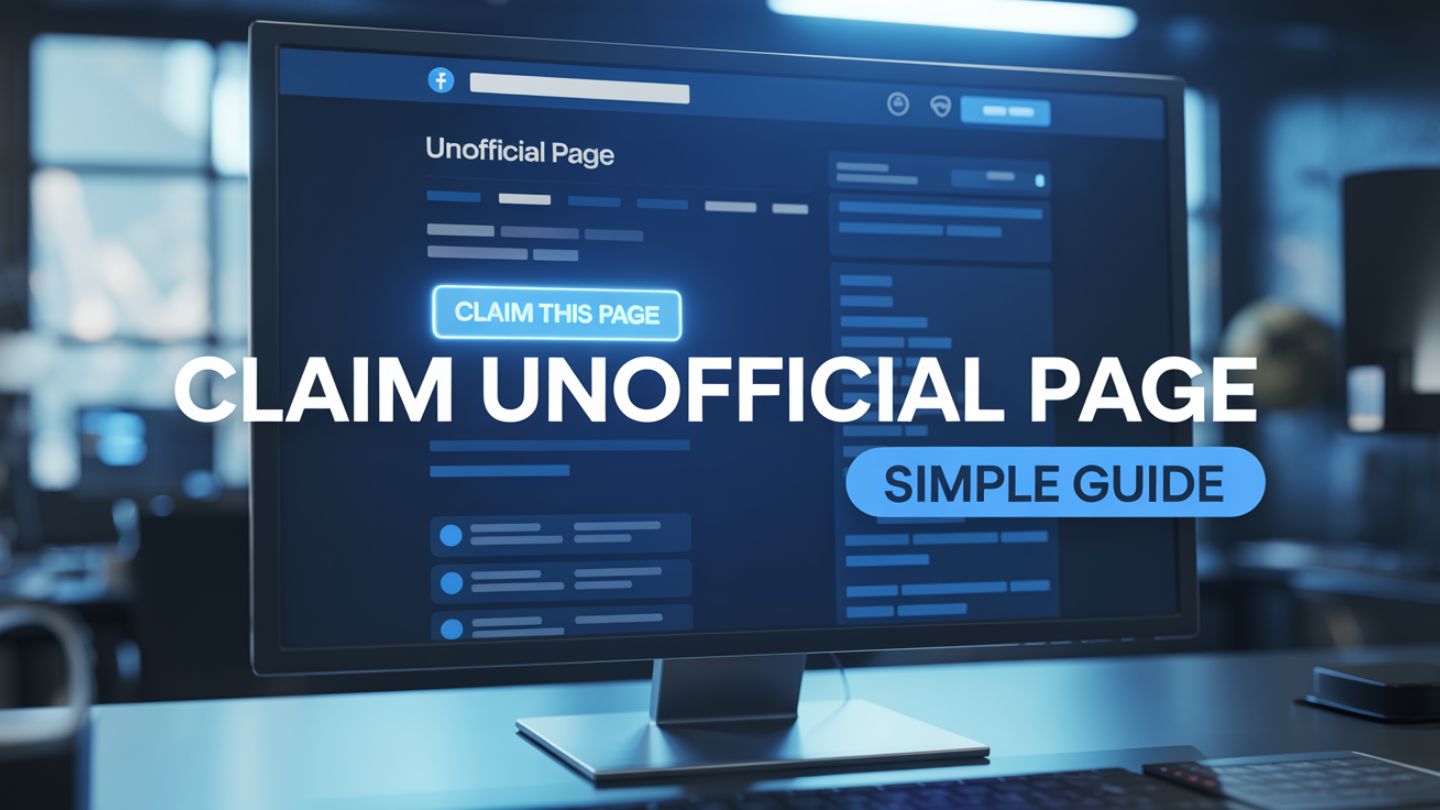
Have you ever searched for your business on Facebook, only to find a page already exists that you didn’t create? This is a common occurrence. These “unofficial” pages can pop up when a user “checks in” to your physical location, even if you haven’t established a formal Facebook presence. While it might seem alarming, discovering an unofficial page for your business presents a valuable opportunity. Claiming this page allows you to take control of your brand’s narrative, manage customer interactions, and consolidate your online presence. Leaving it unclaimed means you’re missing out on customer engagement and allowing potentially inaccurate information to represent your business. This simple guide will walk you through the entire process, empowering you to take ownership of your digital storefront.
Key Takeaways
- Unofficial Facebook pages are automatically generated and can contain inaccurate or incomplete business information.
- Leaving a page unclaimed puts your reputation at risk due to unanswered reviews and outdated details.
- Claiming the page allows you to control branding, engage with customers, and access performance insights.
- Verification can be completed through phone confirmation or official business documents.
- Taking ownership of your Facebook presence strengthens your overall online reputation and digital marketing strategy.
Why Claiming Your Unofficial Page Is Crucial
An unofficial Facebook page is essentially a digital placeholder created automatically by the platform. It lacks a designated owner or administrator. This can happen for a few reasons, but the most common is when someone checks in at a location that doesn’t have an official page. Facebook creates a basic, unmanaged page to house that check-in and any future ones.
Leaving this page unmanaged is risky. It can collect inaccurate business details, unanswered customer questions, and negative reviews that you have no power to address. This can damage your reputation before you even have a chance to build it. Just as businesses must understand how to remove duplicate Google listings you don’t own to prevent misinformation from spreading, claiming your Facebook page ensures your brand details stay accurate and consistent across platforms.
By claiming the page, you gain immediate benefits:
Control Your Brand Image
You can update the page with accurate information, professional photos, and on-brand messaging.
Engage with Customers
Respond to reviews, answer questions, and build a community around your business. A strong Facebook presence also supports how to rank social content on Google, increasing the likelihood that your posts and updates appear in search engine results and strengthening your overall digital visibility.
Consolidate Your Presence
If you already have an official page, claiming and merging the unofficial one prevents confusion and funnels all your followers into one place. This is one clear example of why your business needs social media management, ensuring that every customer interaction is monitored, aligned with your brand voice, and strategically handled.
Access Valuable Insights
Once claimed, you get access to Facebook’s Page Insights, providing data on your audience and post performance. These insights complement strategies for optimizing your Google Business Profile for maximum visibility, helping you understand how customers discover your business and interact with your content across platforms. Taking control is not just good housekeeping; it’s a fundamental step in managing your online reputation and marketing strategy.
Step-by-Step Guide to Claiming Your Unofficial Page

The process for claiming a page can vary slightly depending on your situation. The most common scenario involves proving you are the legitimate owner of the business associated with the page. Follow these steps carefully.
Step 1: Find and Identify the Unofficial Page
First, you need to locate the page in question. Go to the Facebook search bar and type in your business name. Look for a page that might have your business name and address but features minimal information. Unofficial pages often have a map, a few check-ins, and perhaps some user-uploaded photos. Under the profile picture or cover photo, you may see text like “Unofficial Page” or “Community.”
Once you’ve found it, look for a prompt that says, “Is this your business?” or “Own this business?” This is your entry point to the claiming process. Click on it. If you don’t see this option directly on the page, it may be because you are not logged into a personal Facebook profile, or the page is a different type of community page. Ensure you are logged in before proceeding.
Step 2: Begin the Verification Process
After clicking the “Is this your business?” link, you will be guided through a series of steps to verify your ownership. Facebook needs to confirm that you are the rightful owner before handing over control. You will typically be presented with two main options for this: merging the page with an existing one you manage or claiming and verifying it as a new page.
If you don’t have an existing official page, you will proceed with claiming and verifying it. If you do have an official, verified page already, Facebook will guide you through a merge request. The merge process combines the check-ins and likes from the unofficial page into your official one.
Step 3: Verify Your Business Ownership
This is the most critical step. Facebook offers several methods to prove you are the owner. The options available to you may vary, but they generally include:
Phone Verification
This is the fastest method. Facebook will call the publicly listed phone number for your business. You will be given a unique verification code over the phone, which you then enter into the prompt on your screen. It’s essential that the phone number listed on the unofficial page (or on public directories like Google) is one you can answer.
Document Upload
If you cannot verify by phone, you can submit official business documents. This method takes longer, as a Facebook employee must manually review your submission. Accepted documents often include:
- Utility bills (gas, water, electricity) showing the business name and address
- Business license or permit
- Tax filings or certificates
- Articles of incorporation
Choose the method that works best for you. Scan or take a clear photo of your document and upload it as instructed. Double-check that the business name and address on the document perfectly match the information on the Facebook page.
Step 4: Wait for Confirmation and Take Control
After you submit your verification information, the waiting game begins. Phone verification is nearly instant. If you submitted documents, the review process could take anywhere from a few days to a few weeks. Facebook will notify you via your personal profile and associated email once the review is complete.
Once your claim is approved, congratulations! You are now the administrator of the page. You will have full control to edit all information, respond to messages, post content, and run ads. Your first actions should be to update the profile picture and cover photo, fill out the “About” section completely, and correct any inaccurate information.
What If You Can’t Claim the Page?
In some rare cases, you might run into issues. Perhaps another person has already claimed the page illegitimately, or you cannot provide the necessary documentation. If this happens, your best recourse is to go through Facebook’s Business Help Center. You can report the page for intellectual property infringement if it is using your trademarked name or logo without permission. This is a more complex legal process, but it is an available option for protecting your brand.
Taking control of your online identity is essential for success. An unclaimed Facebook page is a loose thread that can unravel your brand’s reputation. By following these steps, you can secure your digital assets and turn a potential liability into a powerful marketing tool.
Final Thoughts
Claiming an unofficial Facebook page is a critical step in protecting your brand’s online presence. By identifying the page, verifying your ownership, and updating inaccurate information, you can prevent misinformation, manage customer engagement, and strengthen your digital reputation. Taking control ensures your business details remain accurate, your reviews are addressed, and your marketing efforts stay aligned across platforms.
At The Ocean Marketing, our expertise in social media marketing helps businesses take full ownership of their online presence while building strategies that drive visibility, engagement, and growth. From page verification to reputation management and performance optimization, we ensure your brand remains consistent and competitive. As part of strengthening your digital footprint, conducting a free SEO audit can uncover opportunities to improve search visibility and online performance. Contact us now to strengthen your social media presence and grow your business online.
