 Skip to content
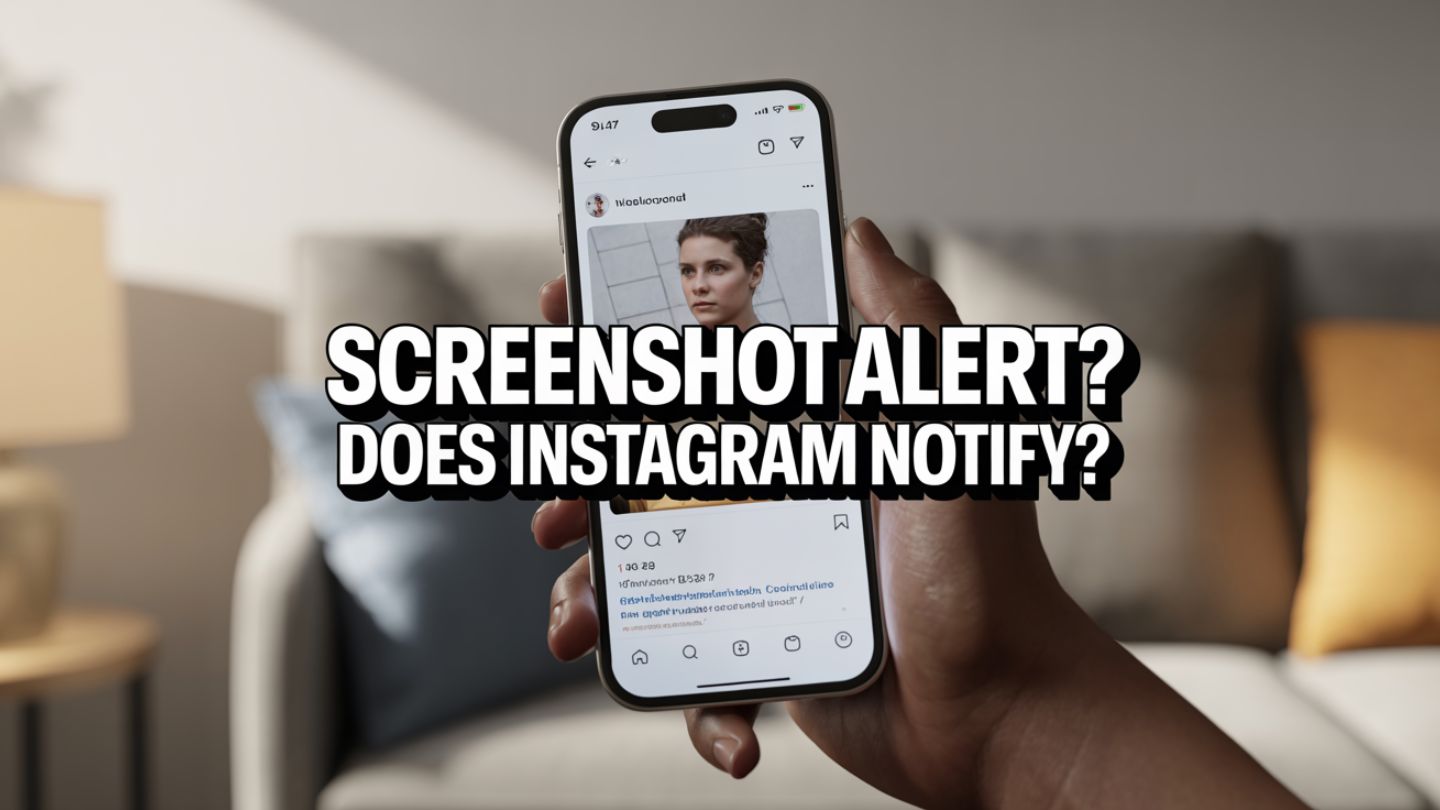
Have you ever quickly screenshotted an Instagram post, only to freeze with a sudden thought: Did they just get a notification? This moment of digital anxiety is familiar to many users. The etiquette and privacy rules of social media can feel like a moving target. You want to save a recipe, a workout idea, or a funny meme, but you don’t want to seem like you’re snooping. Let’s clear up the confusion and dive into exactly what happens when you screenshot on Instagram.
This blog will explore Instagram’s notification system for screenshots. We will cover public posts, stories, and direct messages to give you a complete picture. Understanding these rules can help you navigate the platform with more confidence.
Key Takeaways
- Instagram does not notify users when you screenshot regular feed posts, Reels, profile pages, or Stories.
- Screenshotting standard direct messages (text, shared posts, permanent photos, or videos) does not trigger a notification.
- Instagram does send a notification if you screenshot disappearing photos or videos sent through DMs using “View Once” or “Allow Replay.”
- Screenshots are not counted as an official engagement metric and do not impact reach, saves, shares, or algorithm performance.
- Confusion around screenshot notifications largely stems from past feature tests and comparisons to other platforms like Snapchat.
Screenshotting Instagram Posts: The Official Answer
Let’s address the most common question first. When you take a screenshot of a user’s photo, video, or reel from their main feed, Instagram does not send them a notification. You can capture content from public profiles or accounts you follow without the user ever knowing.
This policy allows for seamless saving of inspiration, information, and entertainment. Whether it’s a home decor idea you want to remember or a friend’s post you want to share with another mutual friend, you can do so discreetly. The platform treats these actions as personal content curation rather than something that requires an alert.
From a creator’s perspective, engagement matters far more than screenshots. Metrics such as reach, saves, and shares tell a deeper story about performance. Understanding what accounts reached mean on Instagram helps clarify how many unique users are actually seeing your content. Screenshots do not factor into this metric, which reinforces that Instagram does not track them as a formal engagement signal for feed posts.
So, feel free to screenshot that delicious-looking pasta dish, the perfect outfit, or a hilarious cat video. The creator of the post will not receive any alert that you have saved a copy to your camera roll. This rule applies to all content visible on a user’s grid.
The Nuances of Instagram Stories
Instagram Stories are where the rules start to feel slightly more layered, though the outcome remains the same. In 2018, Instagram briefly tested a feature that notified users when someone screenshotted their story. That experiment was discontinued and never fully implemented.
As of now, Instagram does not notify users when you screenshot their stories. You can capture a photo or video story without triggering a push notification to the account holder. That said, users can still see who viewed their story. If someone references a very specific detail from a story long after it disappears, the creator might make an educated guess. However, Instagram itself provides no confirmation.
For businesses tracking story performance, screenshots are not part of analytics dashboards. Instead, engagement signals like replies, shares, and saves carry weight. When analyzing Instagram likes, saves, and shares, which one matters most, it becomes clear that saves and shares often indicate stronger audience interest than passive views. Stories are designed for temporary engagement, and Instagram prioritizes measurable interactions over private screenshot behavior. The bottom line remains consistent: screenshotting stories does not generate a notification.
Direct Messages (DMs): The Exception to the Rule
Direct messages are where Instagram takes a different approach. Because DMs are private spaces, certain types of content receive additional protection. Instagram will notify a user if you screenshot a disappearing photo or video sent inside a DM. These are images or videos captured directly within the chat using Instagram’s camera and sent with settings such as “View Once” or “Allow Replay.”
If you screenshot this temporary content, the sender will see a small notification icon in the conversation. This system exists to preserve trust and transparency in private exchanges. However, this rule does not apply to everything in DMs. Screenshotting regular text conversations, permanent photos, memes shared from the feed, or even Reels sent in chat will not trigger a notification. The alert only applies to disappearing media.
Understanding this distinction is important, especially for creators managing partnerships, collaborations, or private communications. It also helps prevent misunderstandings in personal conversations.
A Quick Recap: When to Expect a Notification
To simplify everything:
- Instagram Feed Posts (Photos, Videos, Reels): No notification
- Instagram Stories: No notification
- Instagram DMs (Text or Shared Posts): No notification
- Instagram DMs (Disappearing Photos/Videos): Notification sent
If the content is permanent and visible on a profile or within a standard chat, your screenshot remains private. If it is designed to disappear, Instagram alerts the sender.
Why Do These Rumors Persist?
The belief that Instagram notifies every screenshot continues to circulate. One major reason is the 2018 story notification test, which left a lasting impression. Even though the feature was removed, many users still assume it exists. Another factor is confusion with platforms like Snapchat, where screenshot alerts are standard practice. Users often assume similar rules apply across all apps.
There is also the broader issue of evolving features. Instagram regularly updates privacy settings, algorithm behavior, and analytics tools. This constant change can make it difficult to separate fact from outdated information.
For example, concerns about tracking often extend beyond screenshots. Many users also wonder about shifts in engagement and follower counts. Questions like how to see who unfollowed you on Instagram frequently arise when engagement fluctuates. While Instagram does not notify users about screenshots of posts, it also does not directly notify you about unfollows within the app. These areas of uncertainty tend to fuel broader myths about hidden notifications and silent tracking. In reality, Instagram is transparent about what it officially notifies users about, and screenshots of standard posts are not part of that system.
Navigating Social Media with Confidence
Understanding Instagram’s screenshot rules removes unnecessary anxiety. You can save inspiration from posts and stories without worrying about triggering alerts. At the same time, recognizing the exception for disappearing DMs helps you communicate responsibly in private spaces.
For creators and businesses, knowing what Instagram tracks and what it ignores allows for smarter strategy decisions. Screenshots do not influence reach, engagement rates, or algorithm placement. Instead, measurable interactions such as saves, shares, comments, and profile visits shape performance.
Final Thoughts
Instagram does not notify users when you screenshot regular feed posts, Reels, Stories, profile pages, or standard direct messages. The only time a notification is triggered is when you capture a disappearing photo or video sent through Instagram DMs. Understanding this distinction removes unnecessary confusion and allows you to use the platform with clarity and confidence. While screenshots remain private in most cases, maintaining digital etiquette and respecting content ownership is always important.
At The Ocean Marketing, we help brands navigate these platform nuances through strategic social media marketing that drives measurable growth. From understanding engagement metrics to optimizing content performance, our team ensures your social presence aligns with both user behavior and platform algorithms. If you want deeper insights into your website’s visibility alongside your social strategy, you can also request a free SEO audit to evaluate how your digital presence is performing and where improvements can be made. Contact us today to strengthen your online strategy with data-driven solutions tailored to your business goals.
